A deposit you cannot withhold, a claim that turns on when the damage happened, a surveyor who drives out to see what a photo should have shown. EverStamp adds a qualified timestamp to the file with the photos of your field staff, your customer or a contractor you hire, and you check it yourself.
A scratch at return, a leak from upstairs, a dent at check-out. Without a fixed time it is your word against theirs, and it ends in a goodwill payment or a settlement.
A photo sent by email or WhatsApp says nothing about when it was taken. Any app can put a date in the image, and it is just as easy to change.
A surveyor, valuer or inspector drives out to see what a photo could have shown, if you could have trusted that photo.
This is how EverStamp works: your staff or your customer take photos with your checklist, an independent service adds a qualified timestamp, and you, your customer or an expert check the file yourselves.
Each one shows what it costs you today. Not your sector? You set up the checklist yourself, so it fits other work too. Building? See construction photo documentation.
They differ in who holds the phone. They do not differ in what the file carries.
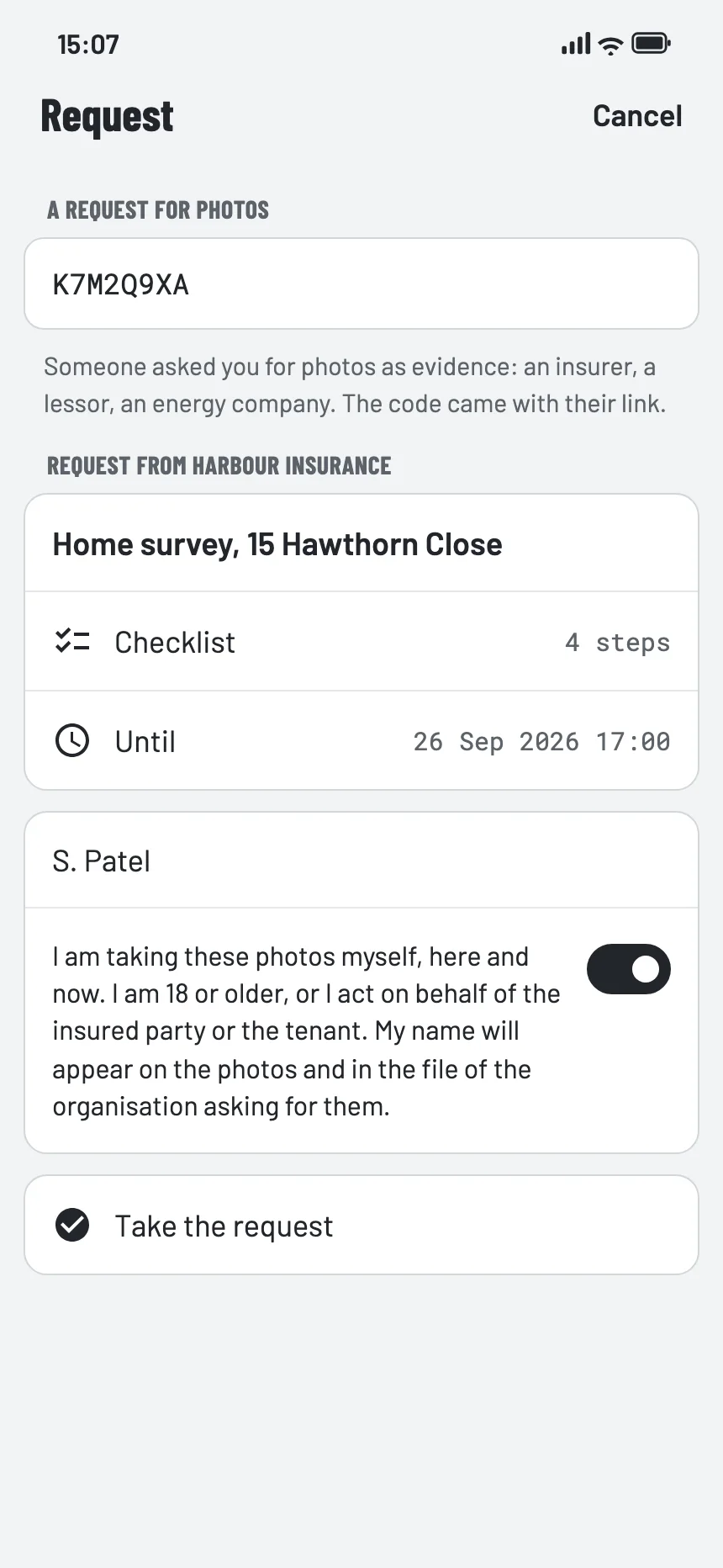
The middle route is the one most companies do not have. Your customer is not a user: no account, no subscription and no cost. They install the app, open your link, work through the checklist you set, and what comes back carries the same device signature, the same seal and the same registry entry as a file from your own crew.


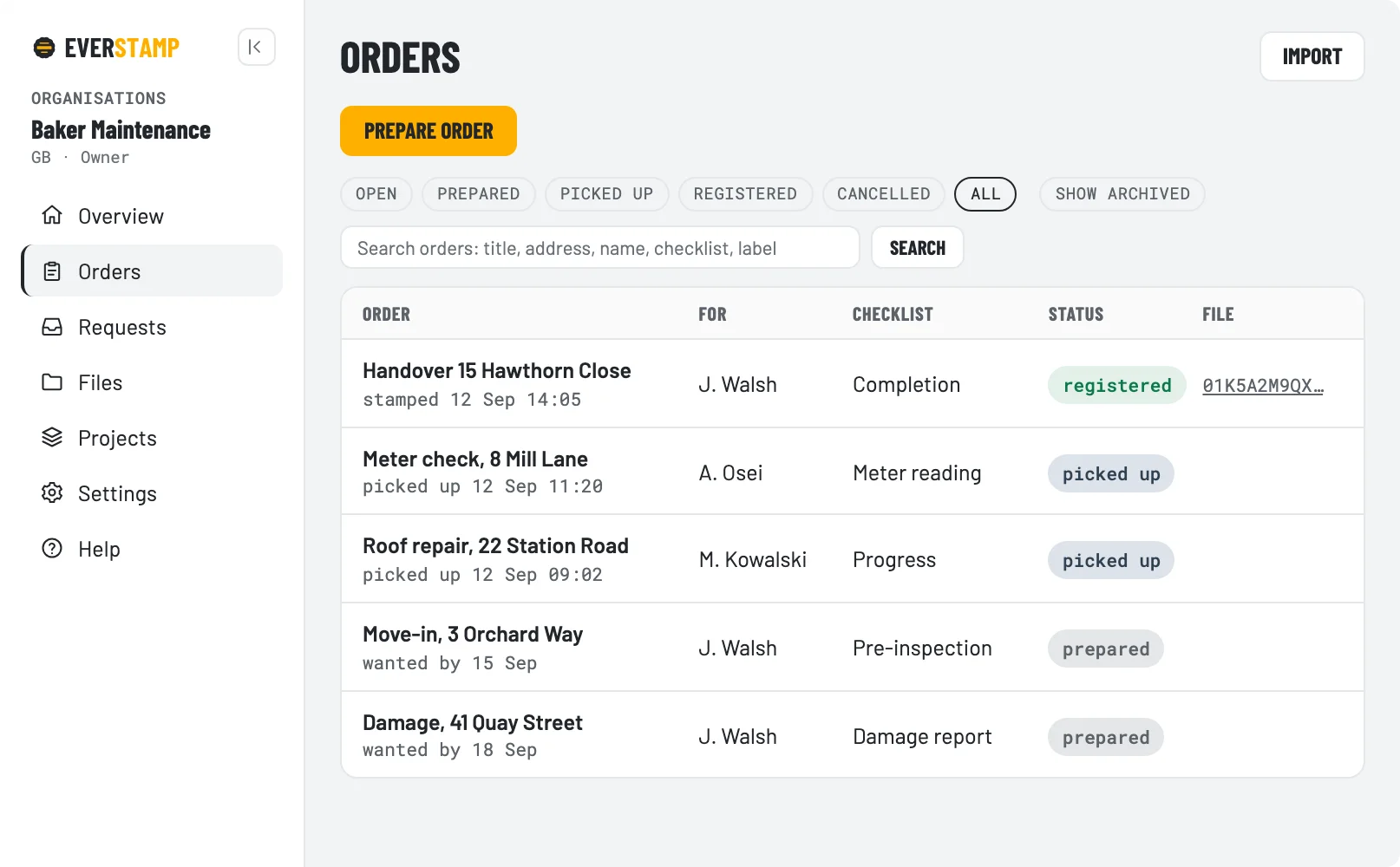
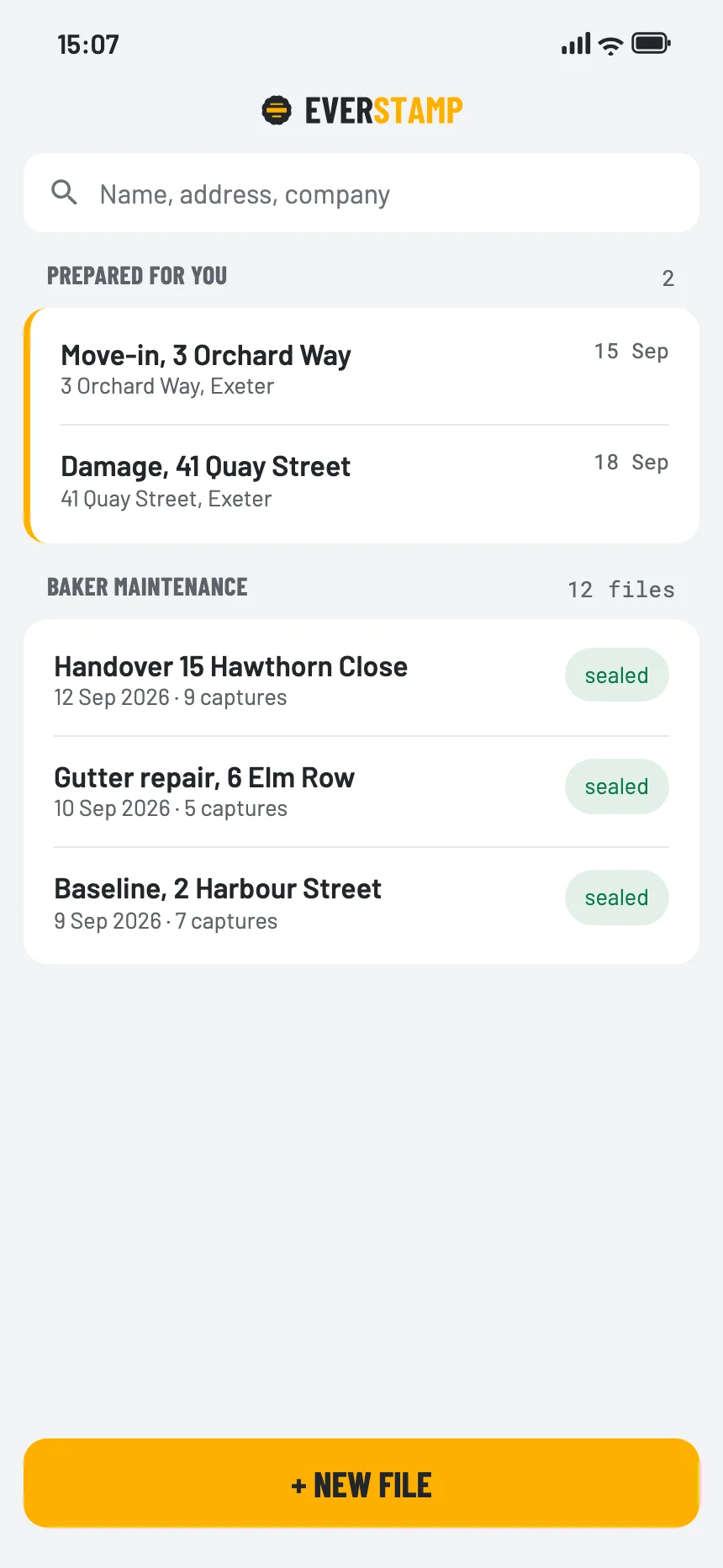
An order carries an address, a template and a person. It appears on their phone under “Prepared for you”, and you watch the status move from prepared to picked up to registered. Members and roles live there, your own templates with your own fields live there, and you can search across everything your field staff recorded, including number plates and meter readings.
Underneath it is an API with webhooks, so files land where the claim or the loan already is instead of in an inbox. On Enterprise the archive is delivered to you rather than fetched.
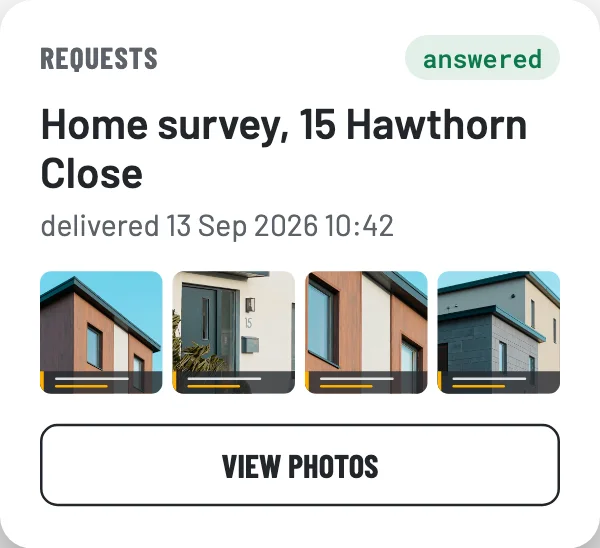
What the dashboard shows: the registry: fingerprints, sequence numbers, seals and registry receipts. It opens photos in two places, and only where you asked for that: the delivery answering a request, and files kept at EverStamp once you switch that on. Every opening through the dashboard or the API goes into your own audit log, with who and when. Technically EverStamp can open them too, because we manage the key; we do that only at your organisation’s written request, or when a court or authority orders or demands it under the law.
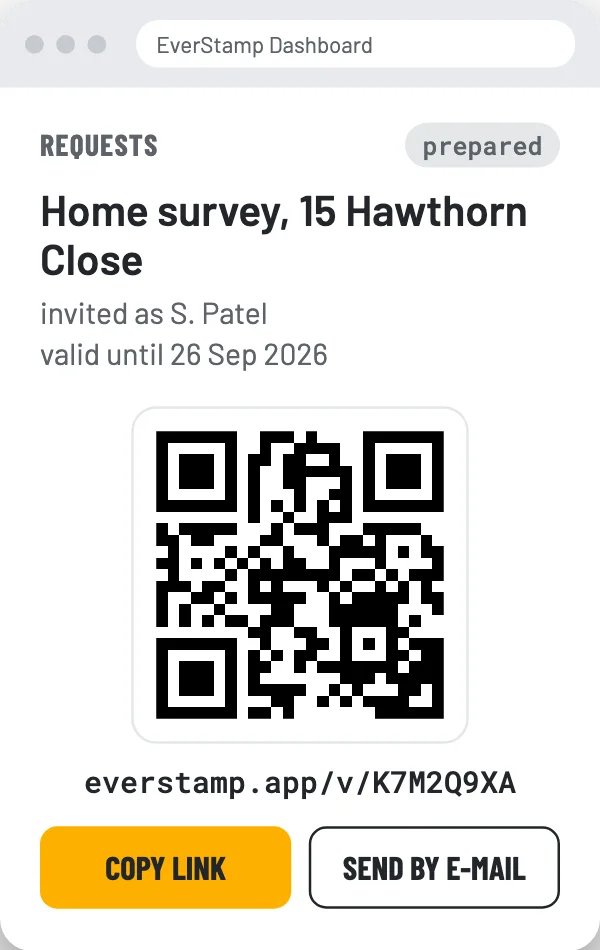
For the photos only your customer can take. You prepare the request, they pick it up in the app, and the delivery lands on the request in your dashboard.


The dashboard is the front. Underneath, the same things are available as an API with webhooks, so a file arrives where the claim, the loan or the work order already is.
All of it is set out in full on how it works, and you can try it on a real file on the verification page before you talk to us.
EverStamp itself has no ISO 27001 or SOC 2 yet. What is in place and what is not is on the security page. Privacy statement.
Business starts at €49 a month, and you can try it free for 14 days first, with 20 files. Enterprise adds delivery into your own system, the qualified timestamp per photo by agreement, and the paperwork your procurement people will ask for; it is priced on request.