EverStamp
Home › Business › Surveyors and valuers
Surveyors and valuers

Valuation photos with a timestamp anyone can check

Your surveyor photographs the property with your checklist. Each file carries the device, the place as the phone recorded it and a timestamp from an independent service, so a valuation questioned later rests on a record anyone can check.

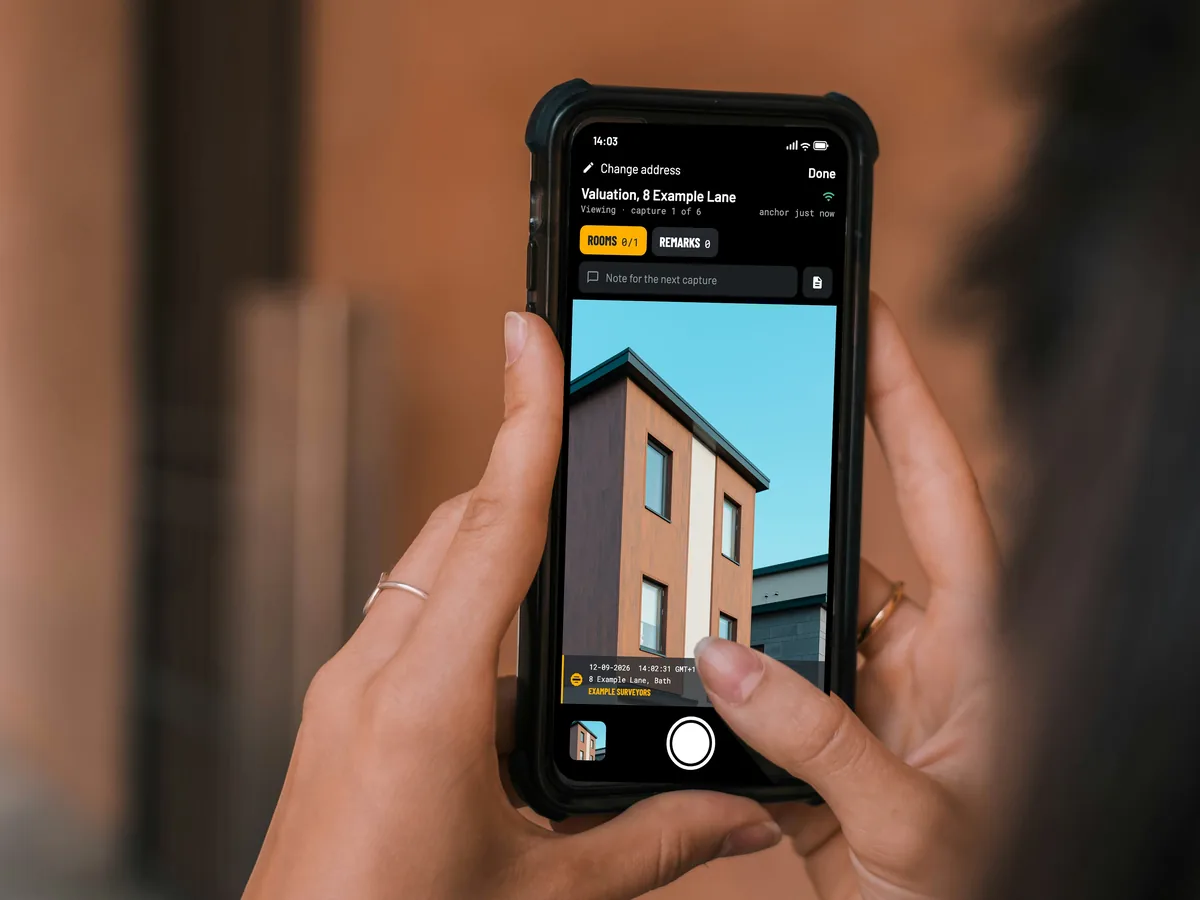
Seen over the shoulder: two hands hold a phone with the EverStamp camera open on a valuation
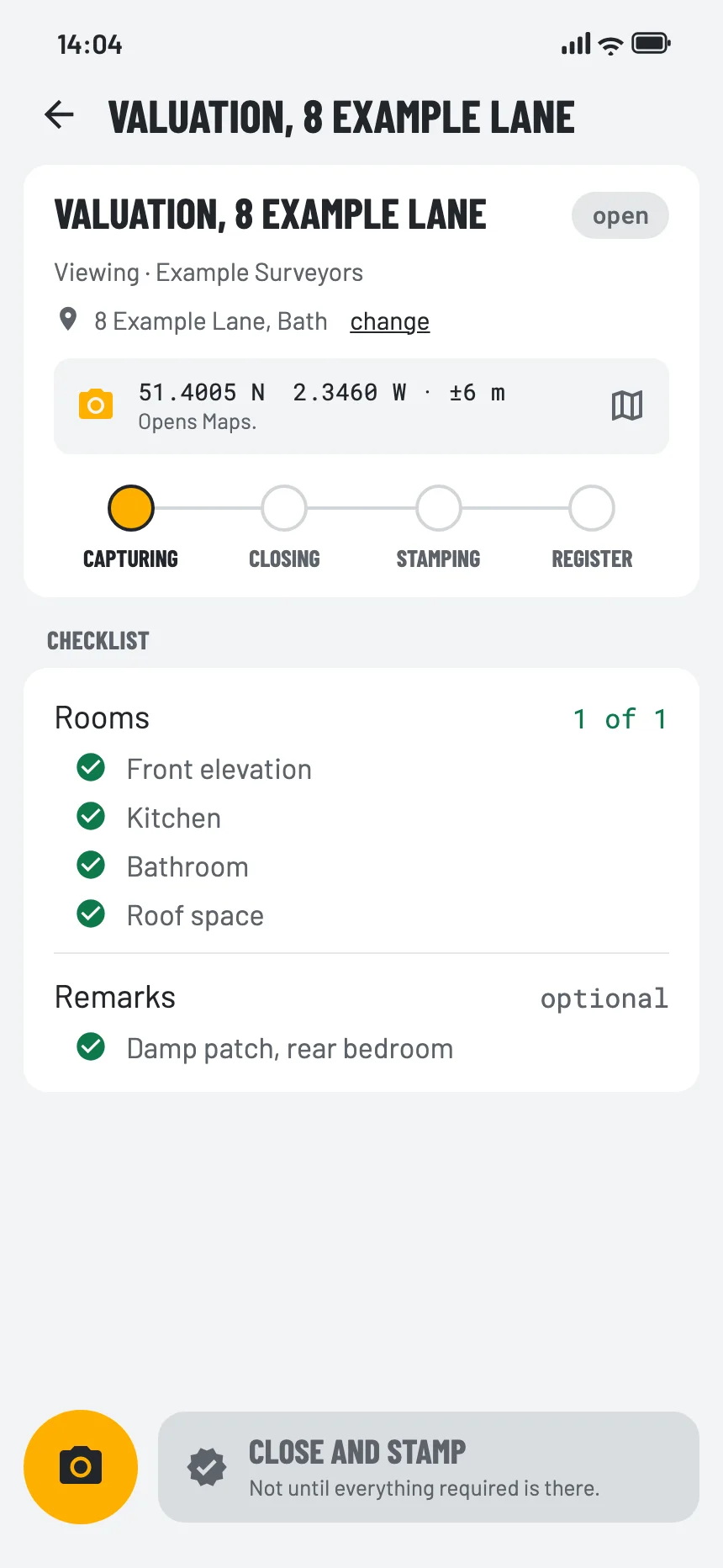
The checklist for this sector in the EverStamp app
What it costs you today

A valuation questioned months later

Visit or desktop?

Photos without a date anyone can check could just as well come from an earlier valuation.

Photos without context

Close-ups without the room, the room without the date.

A challenge after the sale

When a valuation is disputed, the file has to show what the surveyor saw that day.

How the captures reach you

Who photographs the property

The file looks the same whoever makes the captures: a device, a place and a series in order, with a timestamp from an independent service.

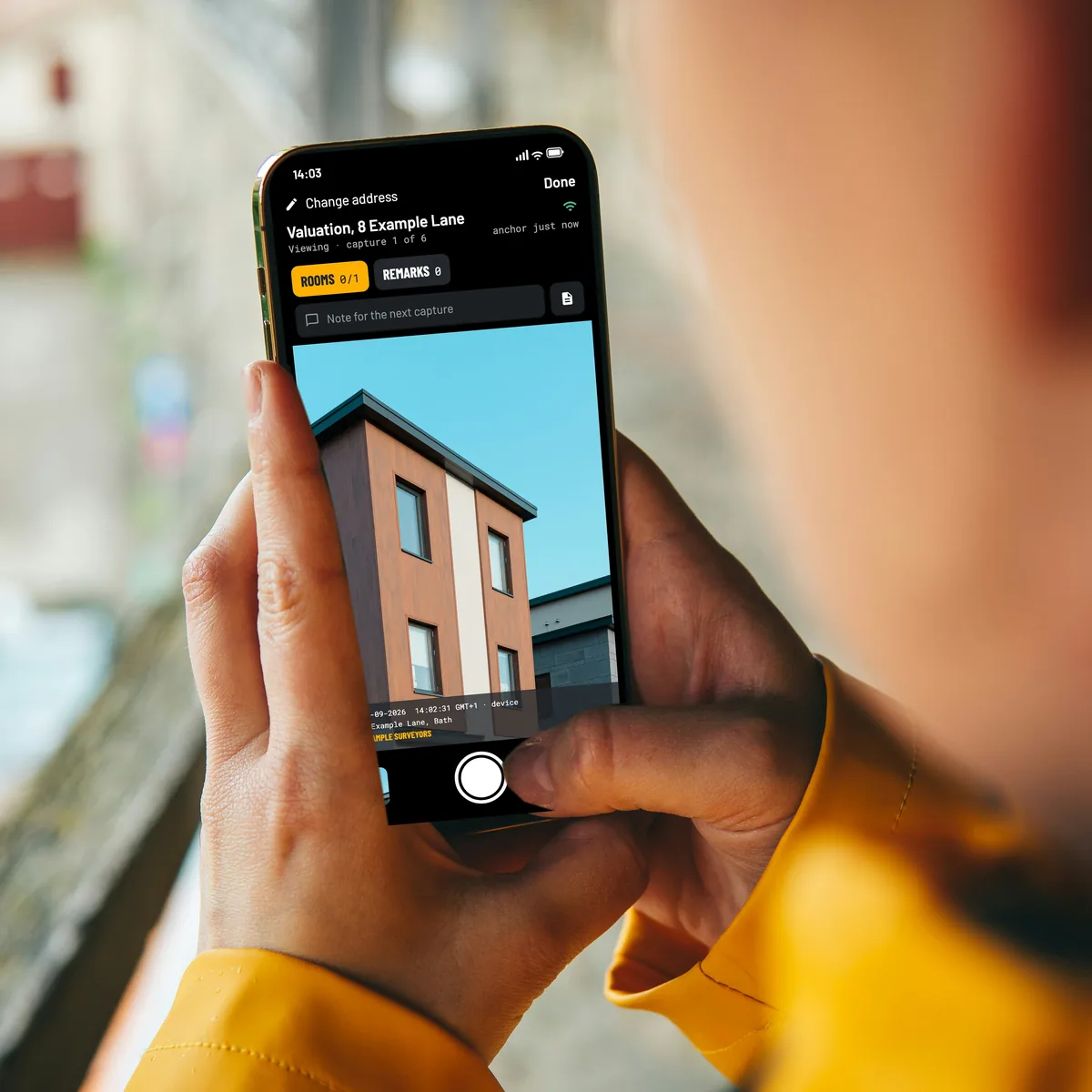
Two hands hold a phone with the EverStamp camera, with an arched passage to a courtyard in the viewfinder
Your own people

Your surveyors on site

With your template, room by room, on iPhone or Android.

Your customer, through a link

The owner, for a desktop valuation

A request with your checklist. The owner photographs the property and the file comes back to you.

A contractor you appoint

A panel firm you instruct

In their own app, against your template, delivered to your dashboard.

What gets photographed

Room by room, with the defects

The Viewing template goes room by room with remarks. In the dashboard you set up your own inspection template, with fields for what a photo cannot show.

The place on the file is what the phone recorded, and that is a statement. The timestamp is not: it comes from an independent service.

Roomsat least 1
  • Every room from the door
  • Kitchen and bathroom fittings
  • Roof space and services
Remarksoptional
  • Damp, cracks and defects close up
  • Outside: elevations, roof and boundaries
The moment itself, step by step
At your end

Visits planned and recorded in one place

An order per address and surveyor, your own templates, and the file handed to your own reporting through the API.

Orders per addressPlan the visits per surveyor and follow them from prepared to registered.
Your own templatesThe steps and fields your reports need, the same for every surveyor.
Requests to ownersFor a desktop valuation, the owner photographs from your link.
Into your own reportsThe API hands over the file, its photos and its seal.
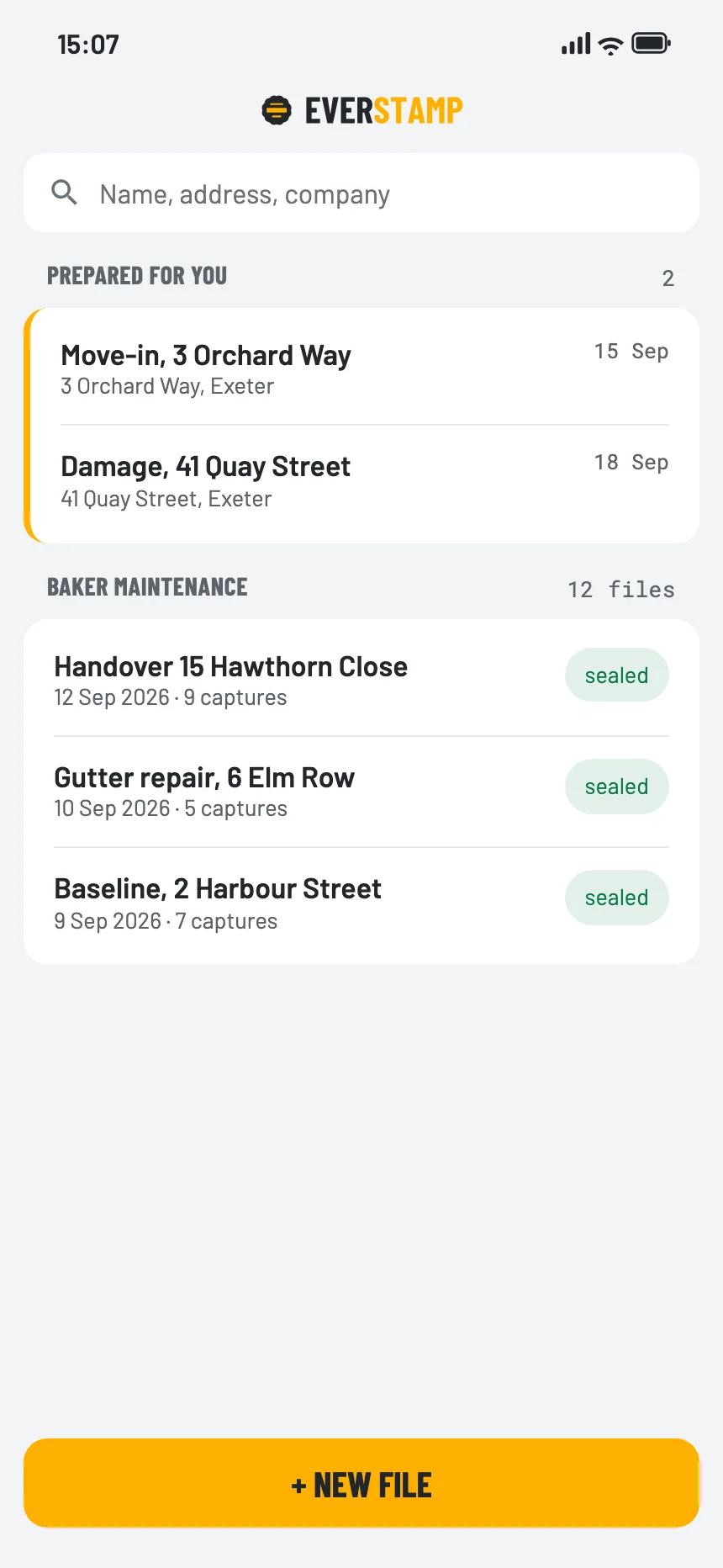
The app’s file list, with the orders prepared for this person
Before you rely on it

What a file establishes, and what it leaves to you

The file establishes
  • That these captures already existed in this form at the time of the timestamp
  • That they were signed with a key that Apple or Google attests was made in the secure hardware of the device named in the file, for our app
  • That an image added, removed or changed since then, or a change in the order, shows up
It leaves to you
  • What the property is worth
  • Whether a defect is serious
  • That every room was photographed
Questions

What businesses ask

Does the file show the surveyor was there?

No, not on its own. It shows the device, the place as the phone recorded it and a series in order, with a timestamp from an independent service. The place is a statement by the phone; the timestamp is not. Both apps leave out a position that the phone itself reports as simulated. Spoofing from outside, or on a jailbroken or rooted device, they cannot see. What is established is that they existed before the stamp and that EverStamp signed no capture before the time anchor it carries; with our app on a device that is not jailbroken or rooted, the capture was then also made after that moment.

Can the owner take the photos for a desktop valuation?

Yes, with a request: a link or a QR code with your checklist, and the captures come back to you sealed.

Can the report carry our logo?

Yes, on Plus, Business and Enterprise. Through the API you can also put the file into your own report format.

Can the valuer also record a video of the walk-through?

Yes, with Plus Video, or on Business with the video module. A video lasts at most 10 minutes and records sound unless the valuer switches it off; a file holds up to 20, together at most 60 minutes. The stamp bar is in every frame, and each video gets a timestamp of its own from an independent service. Whoever receives the file checks each video in the browser; the clock in the bar and the place remain the device’s statement.

What does it cost?

Business Start costs €99 a month, excluding VAT. For that you get a set number of files every month, with video. You try it free for 14 days first. More volume, a connection to your own systems or a contract of your own? Then we make you a quote.
Try Business for 14 days, or talk it through

Business Start costs €99 a month, excluding VAT, and you try it free for 14 days first. Enterprise adds a contract of your own, agreements on availability, webhooks and the API, and the qualified timestamp per photo by agreement; it is by quote.

See the Business and Enterprise plans Talk to us

Other sectors