EverStamp
Home › Business › Construction photo documentation
Construction photo documentation

Construction photo documentation with a date nobody can backdate

Crews photograph every job on their own phones, against the checklist you set: the space before you start, hidden work before it is covered, progress by date and the handover. Every photo carries the date, time and place, every file is timestamped by an independent service, and it all lands on the job in your dashboard.

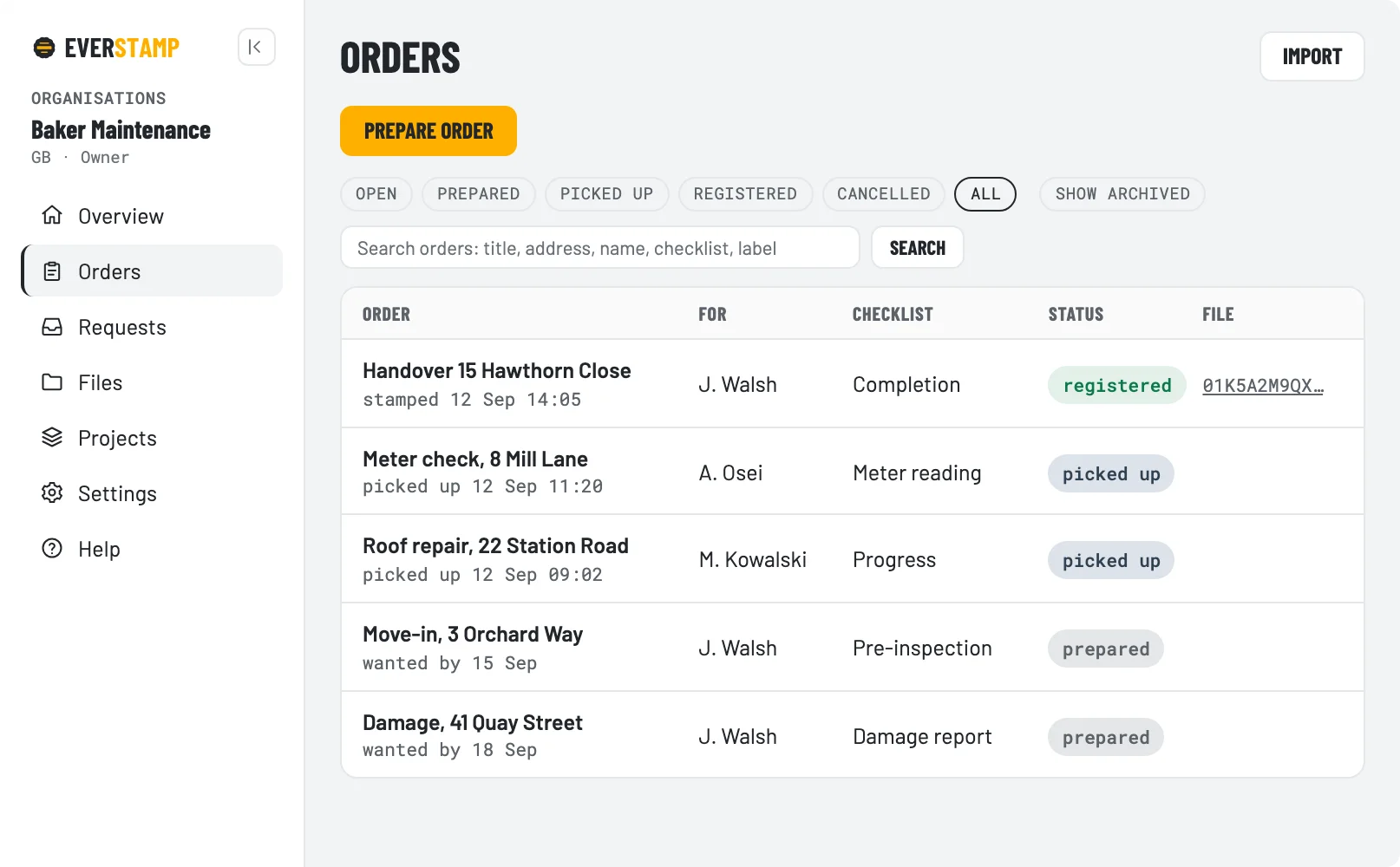
The EverStamp dashboard with jobs and the status of every file
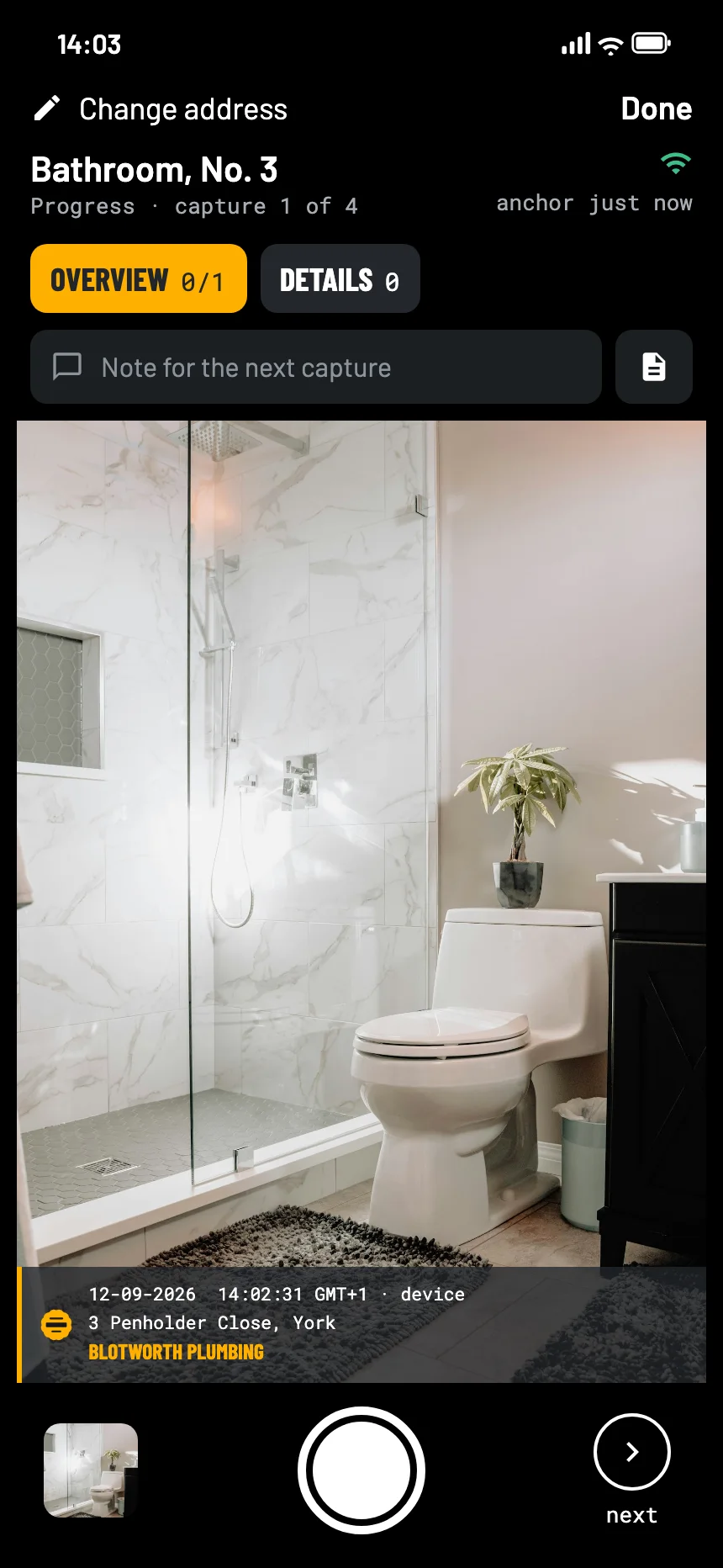
The EverStamp camera on a job, with the stamp bar in the picture
On site

What goes into the record

The same checklist for every crew, a minimum number of photos per step, and an app that keeps working without a signal, in a basement or a shell with no connection.

Progress photos by dateEvery stage with its date, time and place in the image. Close a file at each stage and each gets its own timestamp, so the order of the work shows.
Hidden work before it is coveredThe Work that gets closed up template asks for the pipework, the joints and the connection points before the boards go on, with a minimum per step.
Punch lists and handoverDefects and the finished work at handover, with your logo on the report. On Business the client can sign on the phone, inside the file, in a checklist of your own with a signature step.
Fields, not notesSerial numbers, meter readings and plates as fields in the record. Text recognition proposes the value, and the crew confirms it.
Crews and subcontractorsYour crews on their own phones, subcontractors in their own app against your job, and clients from a link, without an account.
One report per jobA PDF with the photos, the file number and a QR code the client scans to check it, and the full archive at full resolution.
The dashboard with open jobs and their status
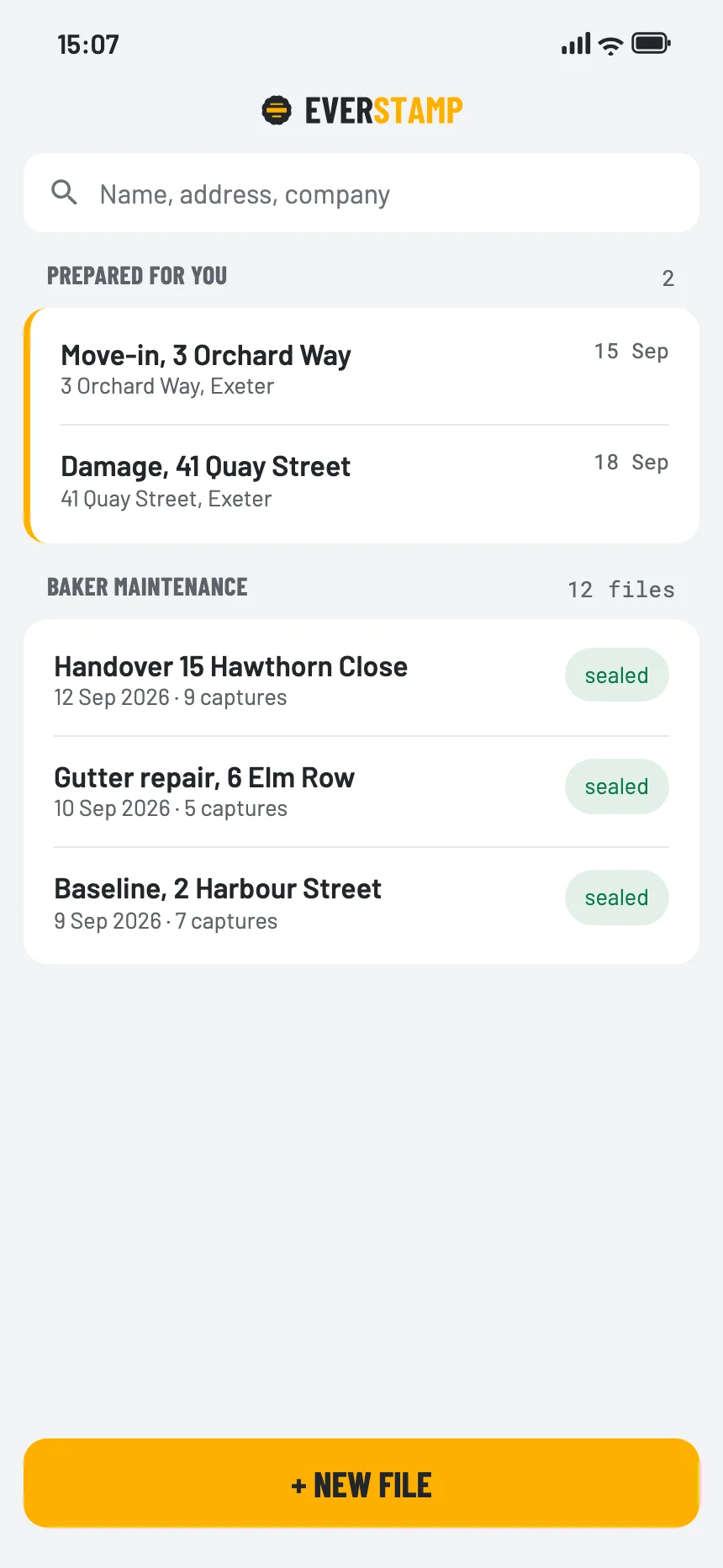
The file list in the app, with the jobs prepared for this crew
In the office

Construction photo management, per job and per project

  • Jobs per address and person, grouped per project, with the status of every file.
  • Your own templates per job type, with the steps and fields your handover needs.
  • Search every job by serial number, plate or meter reading.
  • Send a client or a subcontractor a link, and their photos come back to the job.
  • Storage at EverStamp included with Business, so a file does not depend on one phone.
Integrations

Into your own systems

The dashboard is the front. Underneath, the same things are available as an API with webhooks, so a file arrives where the claim, the loan or the work order already is.

Webhooks

dossier.registered
request.completed
order.claimed
Your claims system

API

GET /v1/dossiers/…
GET /v1/requests/…
GET /v1/members
Your CRM

Export

Everything,
as JSON and CSV
Your archive

Everything about integrations →

Where it stops

What it is, and what it is not

The file establishes
  • That these photos existed in this form at the time of the timestamp
  • That they were taken with the EverStamp app on that device
  • That any change since then shows up
It leaves to someone else
  • Whether the work meets the standard
  • What was done after the photos
  • Schedules, RFIs and budgets: EverStamp is not a project management suite, and the API hands the photos to the one you use
Questions

What contractors ask

Is EverStamp construction photo documentation software?

Yes, for the photos you may need to show later. The dashboard keeps jobs, crews and files together per project; every photo carries its date and place, every file the time of an independent service, and exports and an API take the files into your own system.

Does it work as a jobsite photo app for the crews?

Yes. Crews take the photos in the EverStamp app on their own phones, under the job and checklist you set up, and it works without a signal. Each file comes back to the job, sealed.

Can I use it for construction progress photos?

Yes. Close a file at each stage, with the Progress template or one of your own, and each file gets its own timestamp, so the order of the stages shows in the dashboard.

Does it handle punch lists?

Yes. The Completion template records the defects and the finished work at handover. The built-in template has no signature step; on Business you switch on \u2018The customer signs at the end\u2019 in your own version, and the client signs on site, inside the file.

How do subcontractors and clients send photos?

A subcontractor works in their own app against your job and checklist. A client answers a request from a link and needs no account. Either way the photos come back to the job, sealed.

Can the client check the photos?

Yes, in the browser and without an account. Every check but one runs on open standards in the browser; the last one asks our registry.

Where are the photos kept?

On the crew’s phone on the ordinary route. With storage at EverStamp switched on, an encrypted copy of every file is kept for your organisation.

What does it cost?

Business starts at €49 a month, excluding VAT, and you can try it free for 14 days first, with 20 files. The bundles differ only in volume; which one fits and what it costs, you see in the dashboard when you subscribe. Enterprise, with delivery into your own system, is priced on request.
Set up your first job

Start with a Business bundle and the templates that come with the app, or tell us about your projects and we come back with a proposal.

See Business pricing Request a quote

Related