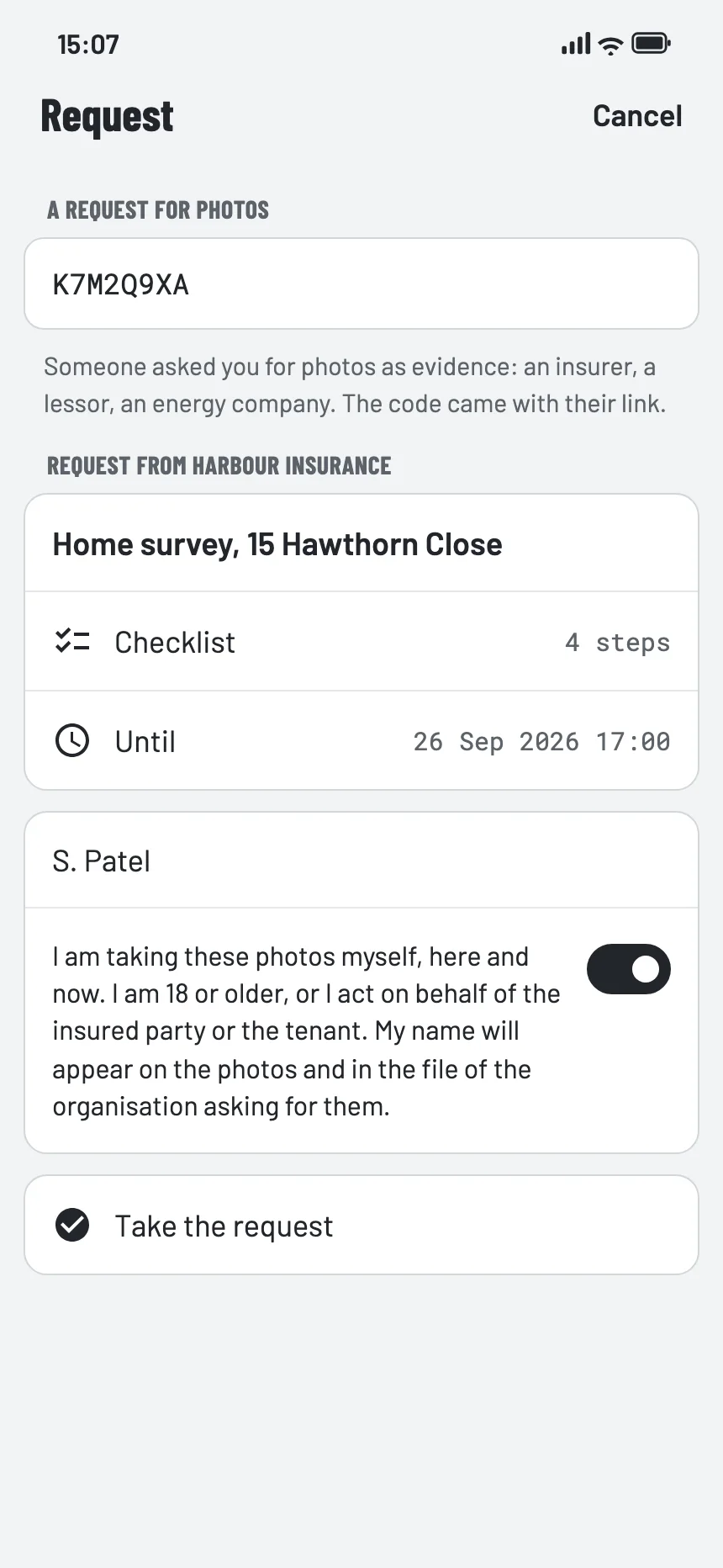
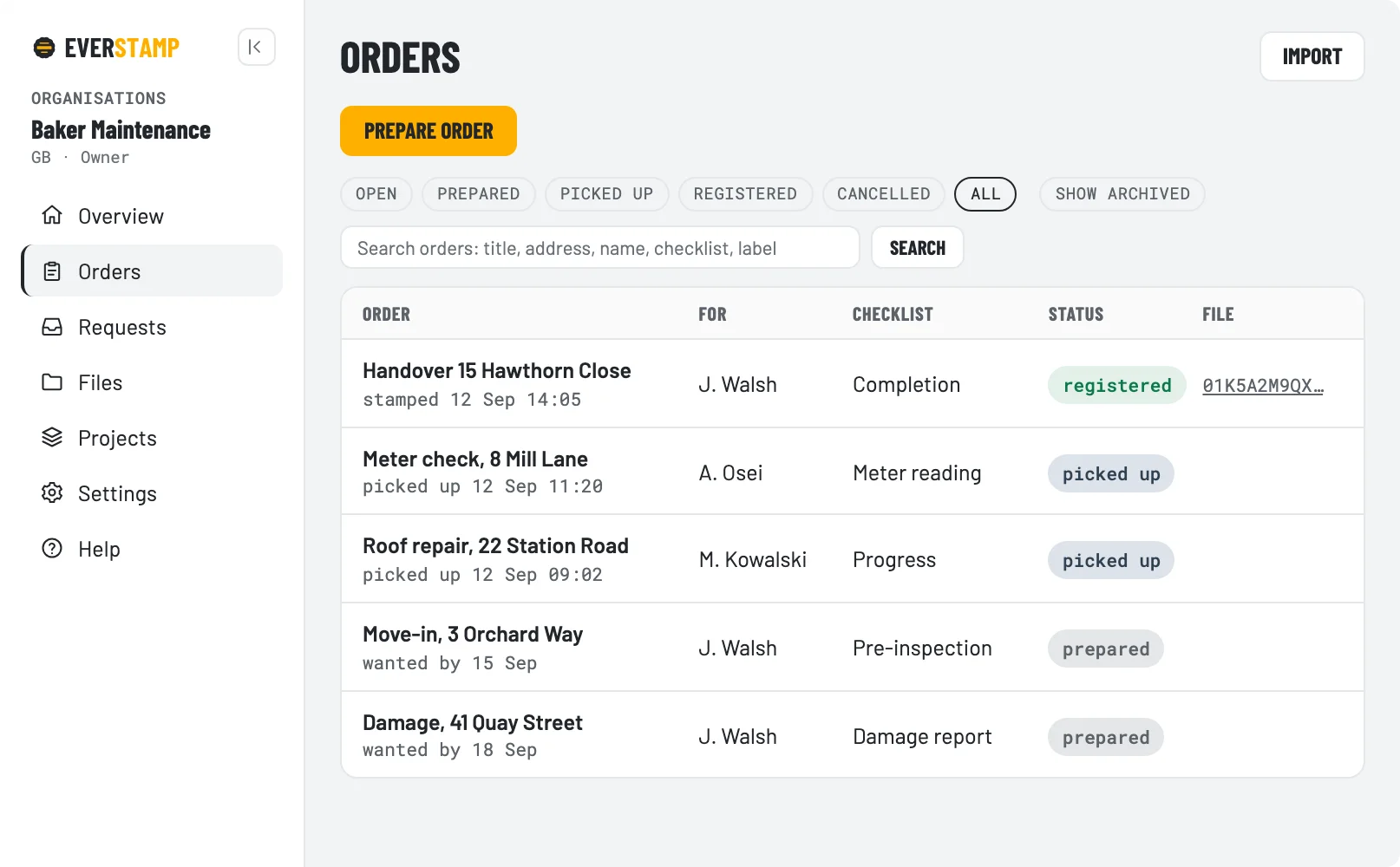
A photo with a date on it says little: the date comes from the phone and a free app can change it. With EverStamp your customers and staff record it with your checklist, and an independent service adds a qualified timestamp to the file. Video with version 1.2.
An argument about your deposit, a rental car or a handover? This is how you record it →

Whoever shows damage usually has a photo. The conversation stalls on the questions that follow: since when has that photo existed, where was it taken, and has it changed since?
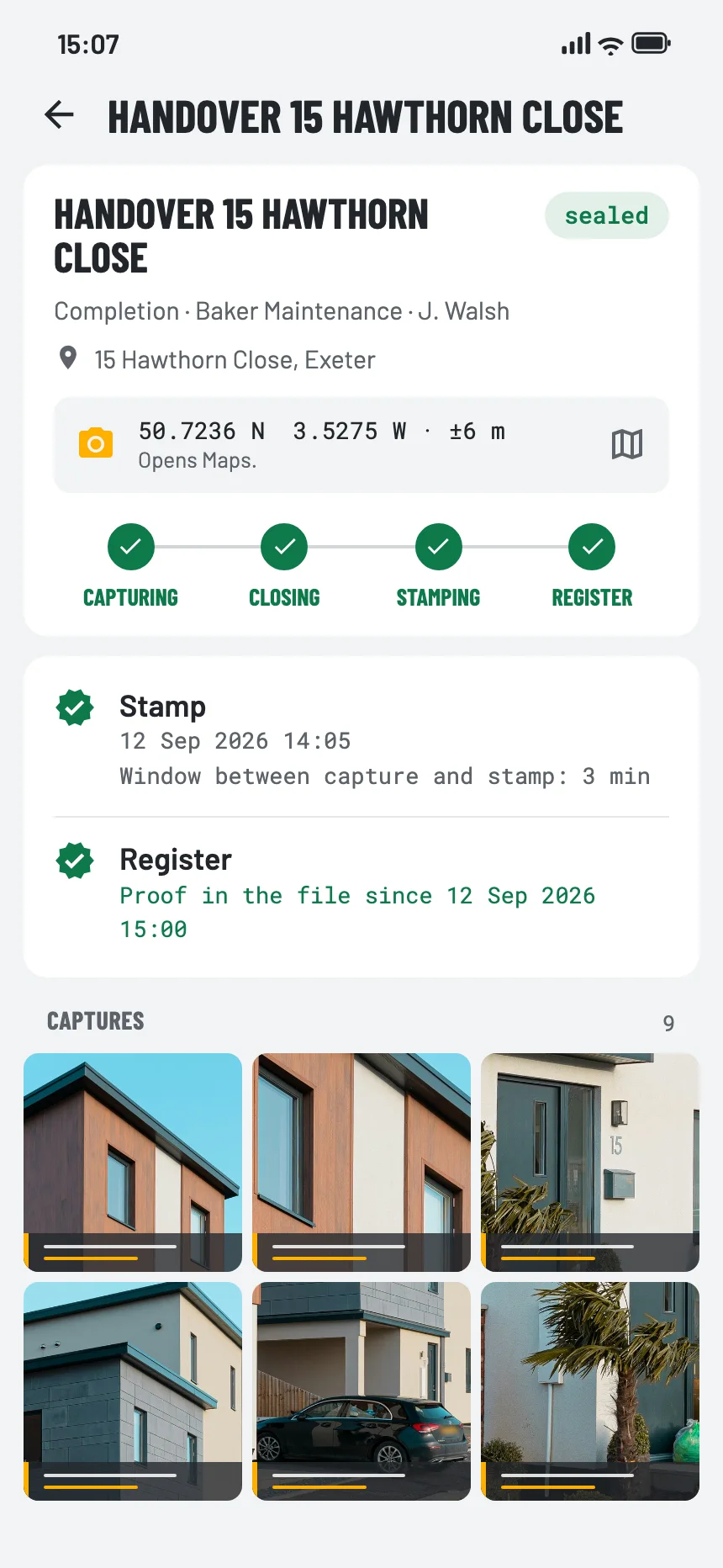
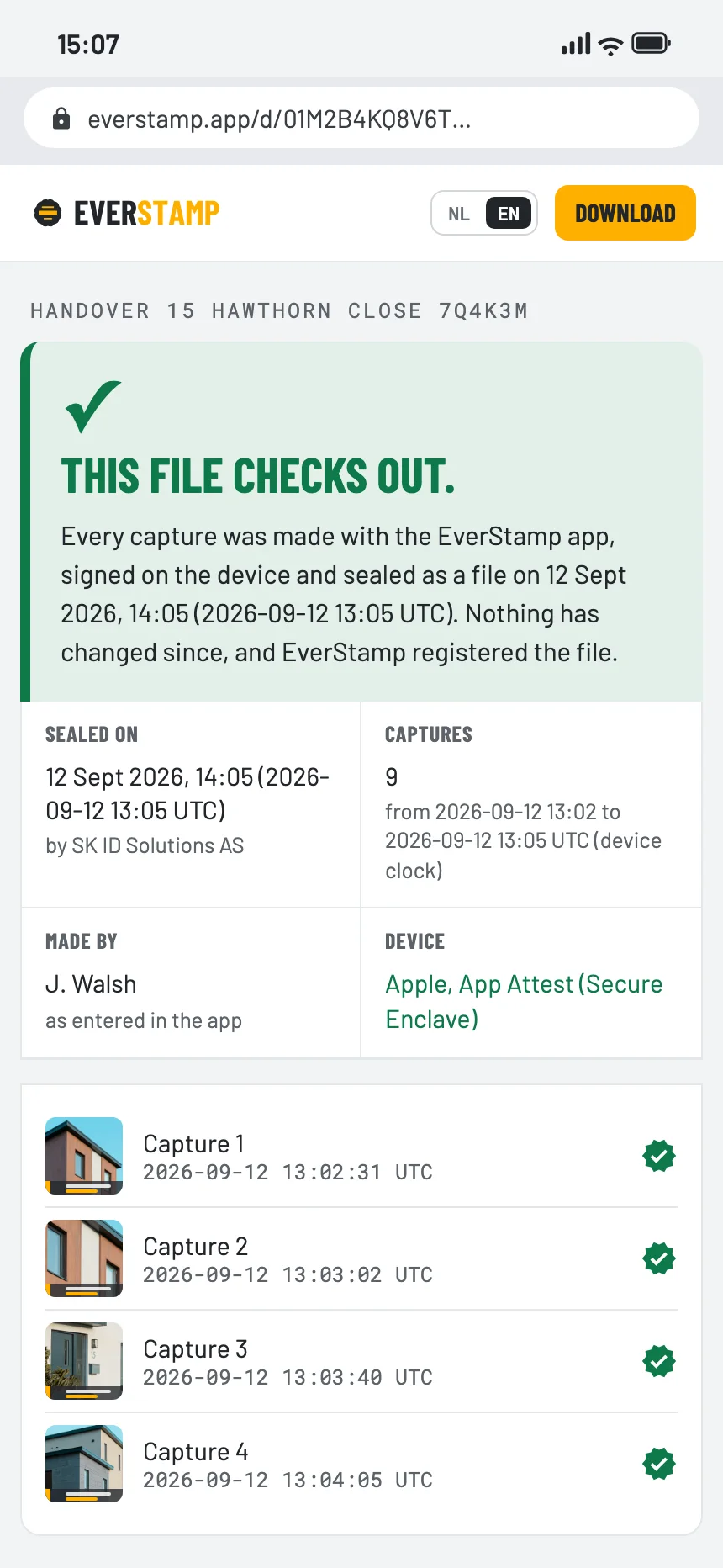
With EverStamp an independent service puts a qualified timestamp on the whole file. The recipient checks for themselves that the captures already existed at that moment and have not changed since, their order included. What the captures show is for the other side to judge. The place is with the capture as the phone reported it: reported, not established.
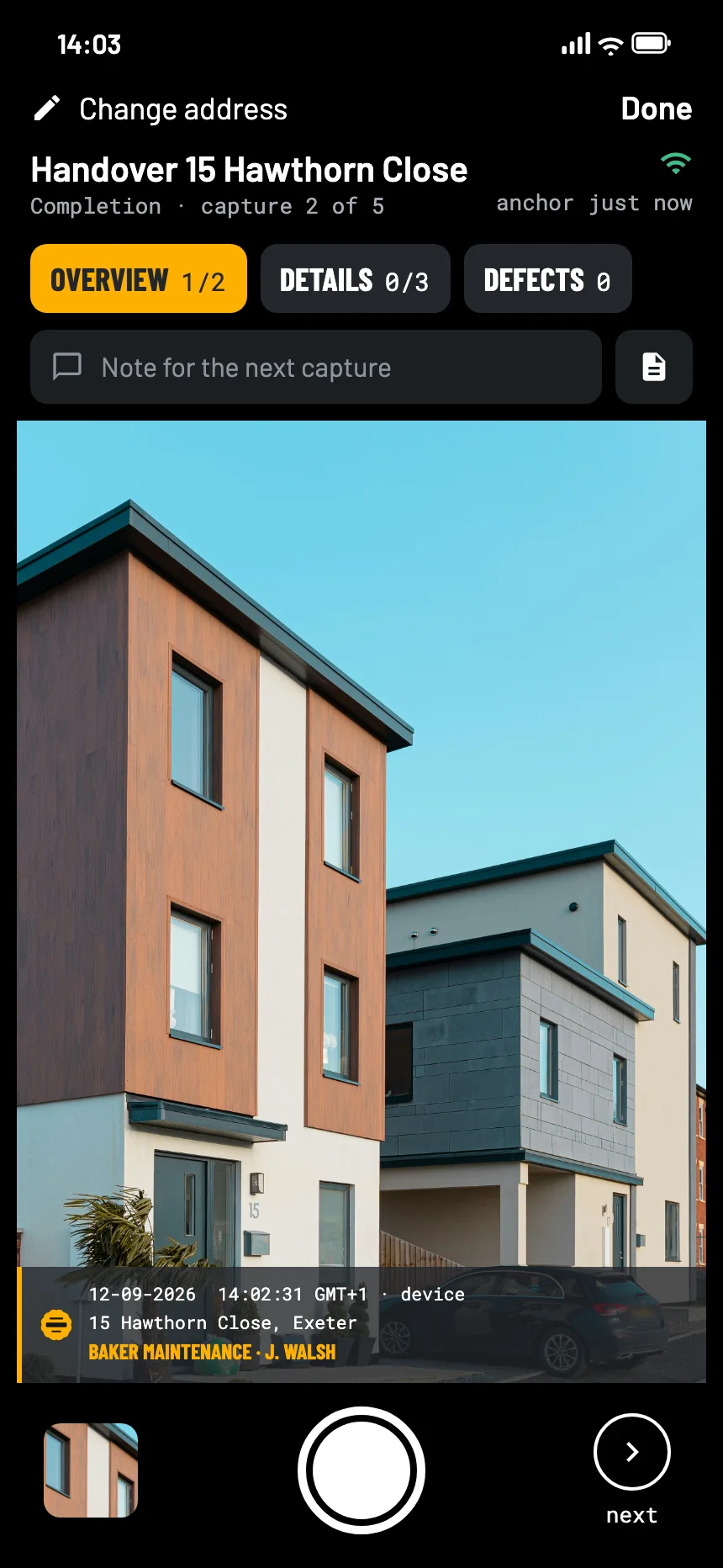
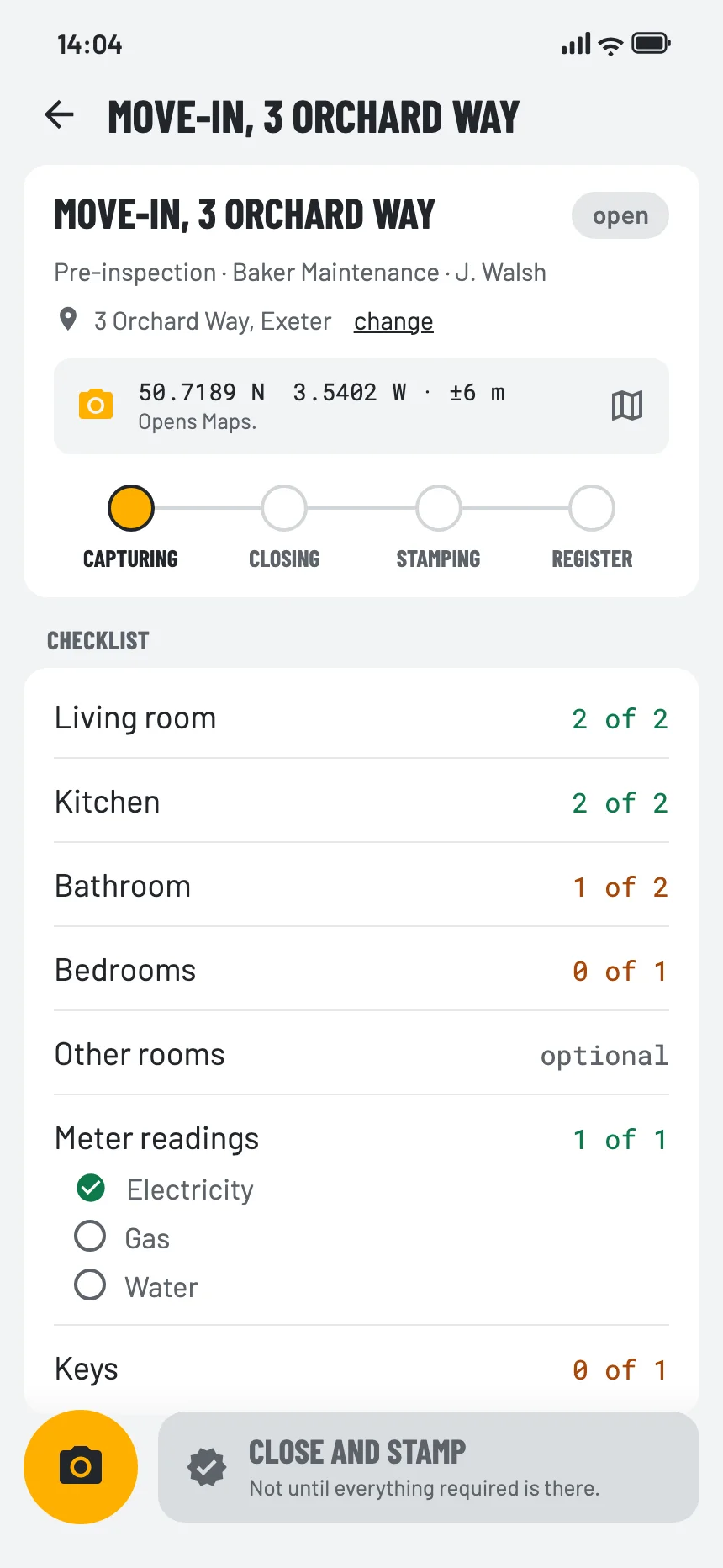
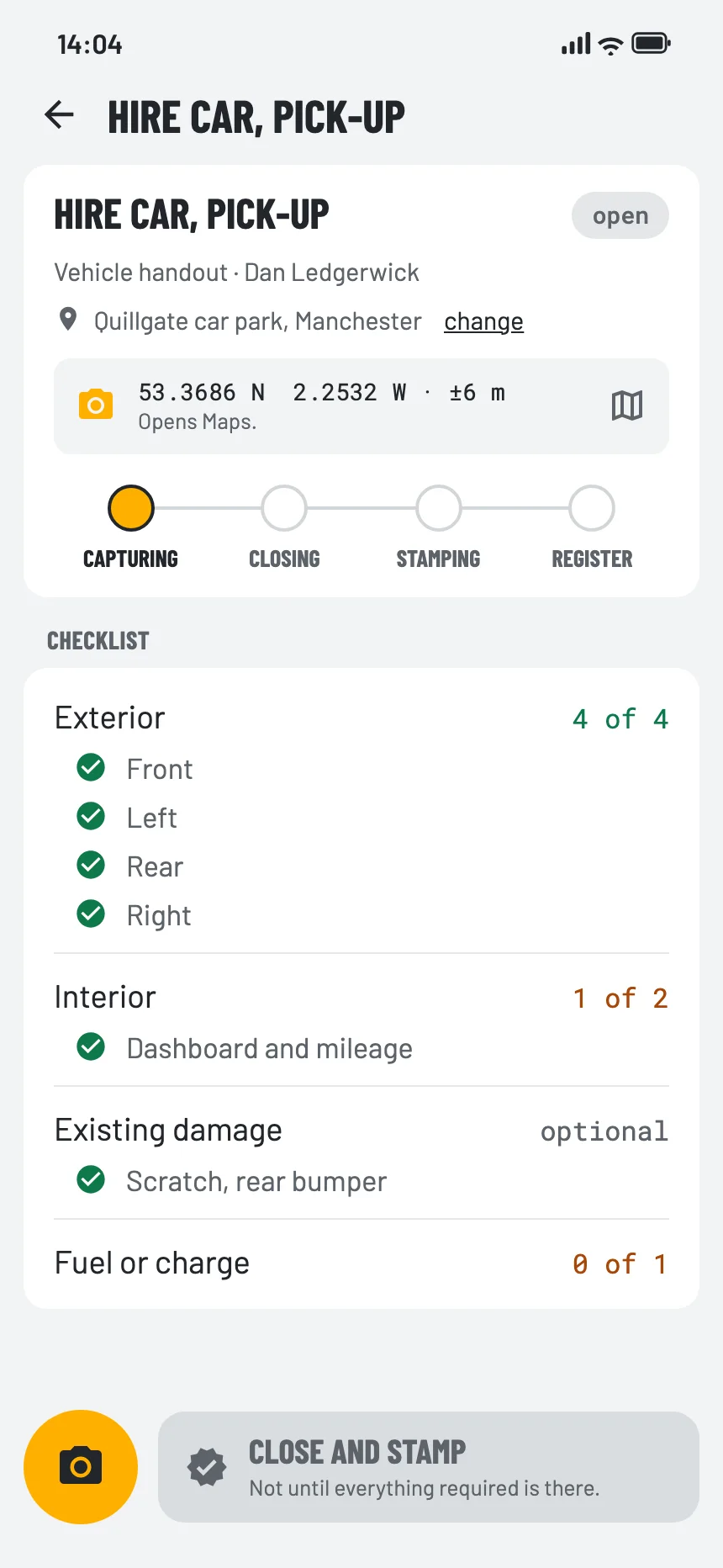
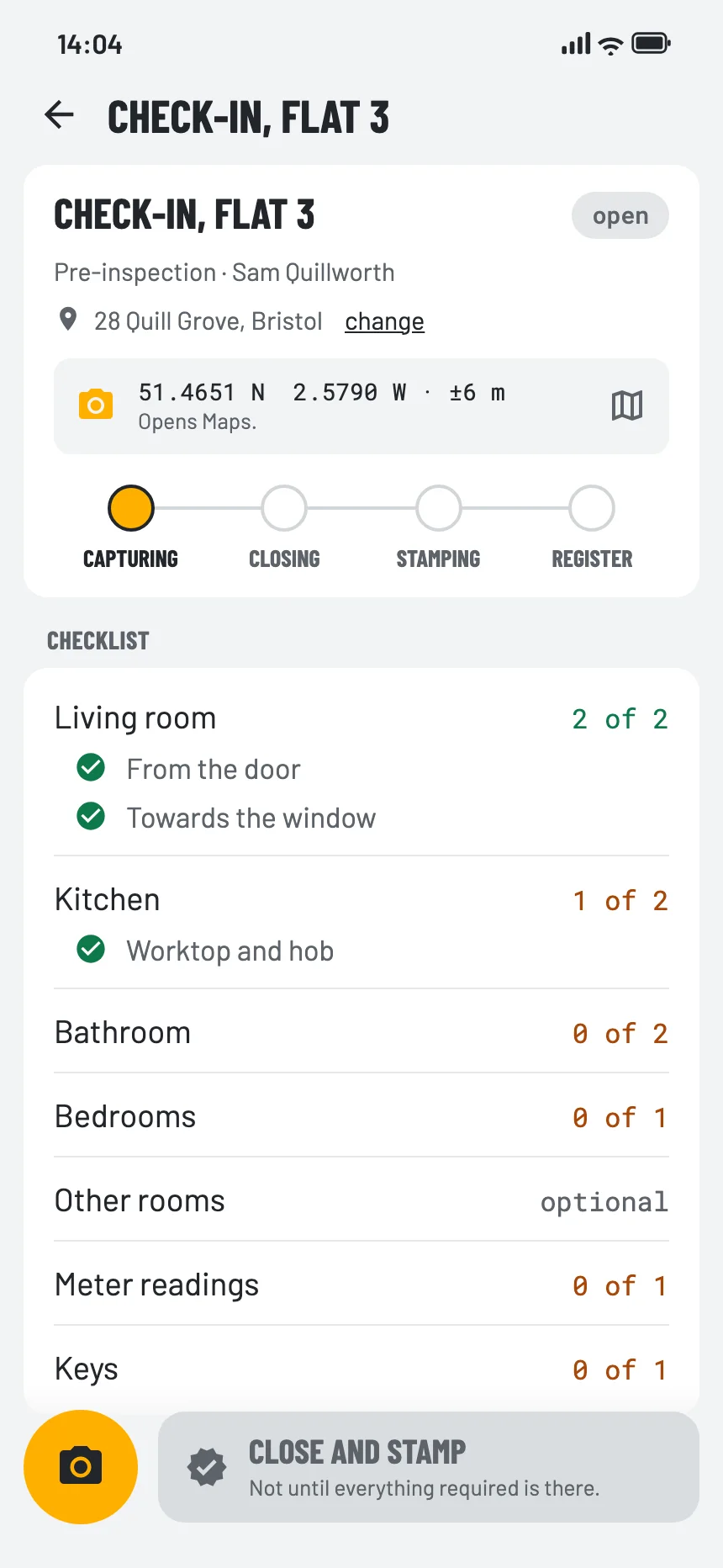
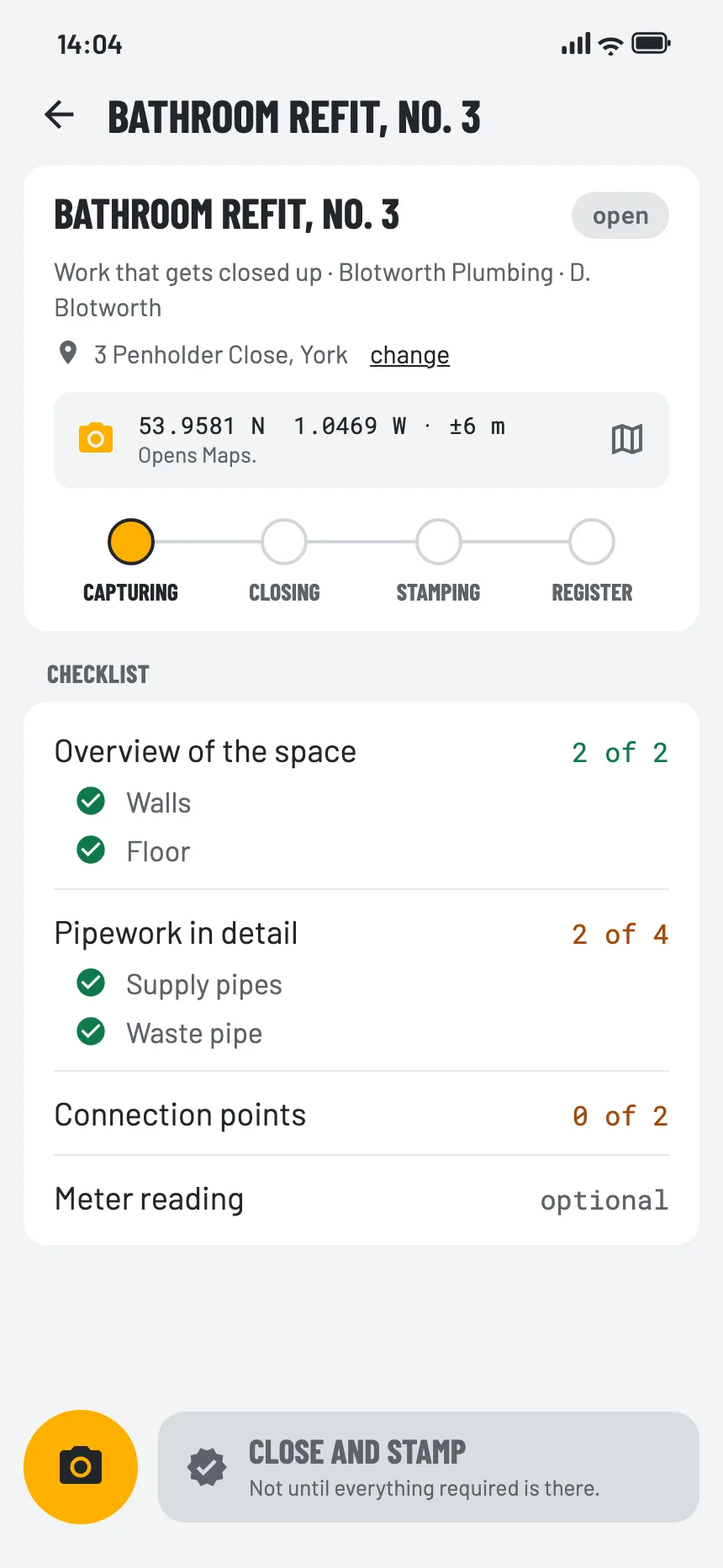
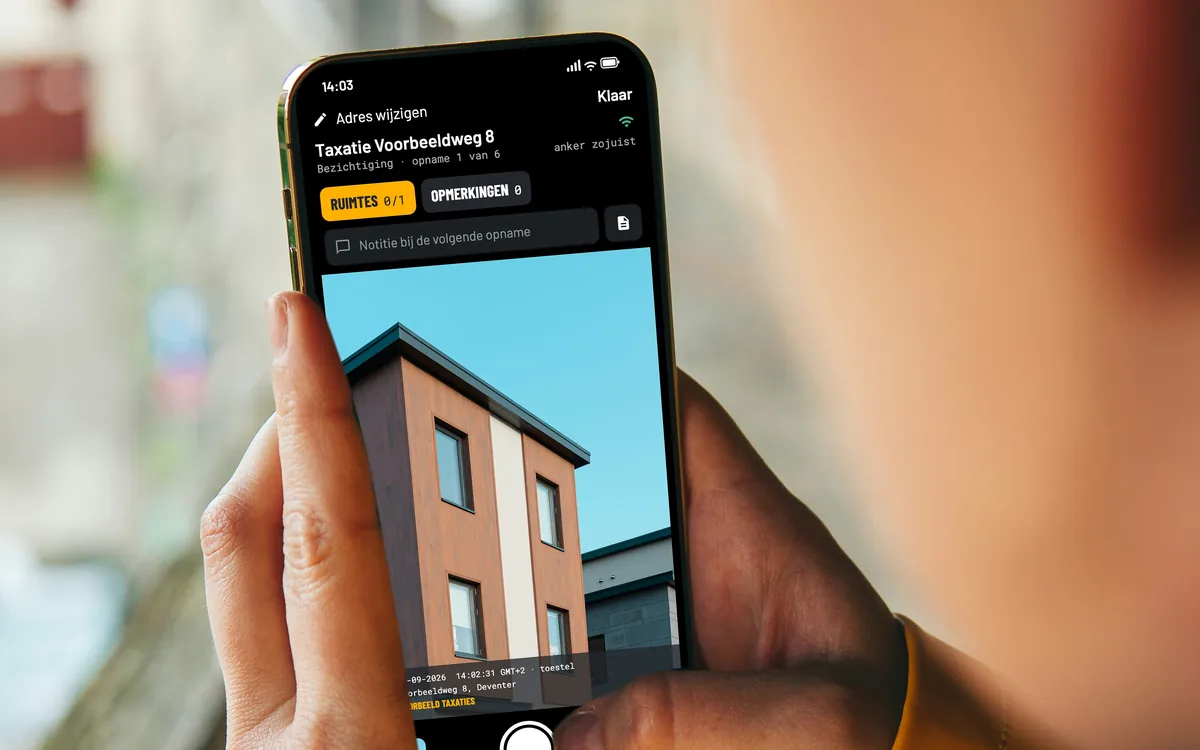
This is how the app looks, on iPhone and Android: for your staff, your customers and yourself.


A checklist says for each step what to photograph and how many, and the file shows what is still open. The app has checklists for common moments, such as a rented home, a car and a handover; with Business you make your own templates in the dashboard.


For each sector: the checklist, the route the captures take, and what it gives you.


Also for contractors, property management, inspectors, logistics and legal.
See all sectors


It is quicker to take. You notice the difference months later, when someone asks since when it has existed.
| A photo with the date on it | EverStamp | |
|---|---|---|
| Where does the time come from? | From an app that writes the date on it, or from the metadata in the file | From an independent service, at the moment the file closes |
| Can it be changed afterwards? | Yes. People search for how to do exactly that | No. The service stamps with its own clock, and there is no way to ask it for a time |
| What do you receive? | Loose photos in a message or a folder | An archive with the series in order and any gap visible, and a report on request |
| How do you check it? | By taking the sender’s word for it | By dragging the file onto a page, or, for every check but one, with public tools that are not ours |
| And in two years? | The photo is still there, and the date still says nothing | Every check but one still works; the confirmation for green comes from us |
Your first file is free. Try Business free for 14 days, with 20 files and no payment details.
When it comes up more than once in a while, without a company behind you.
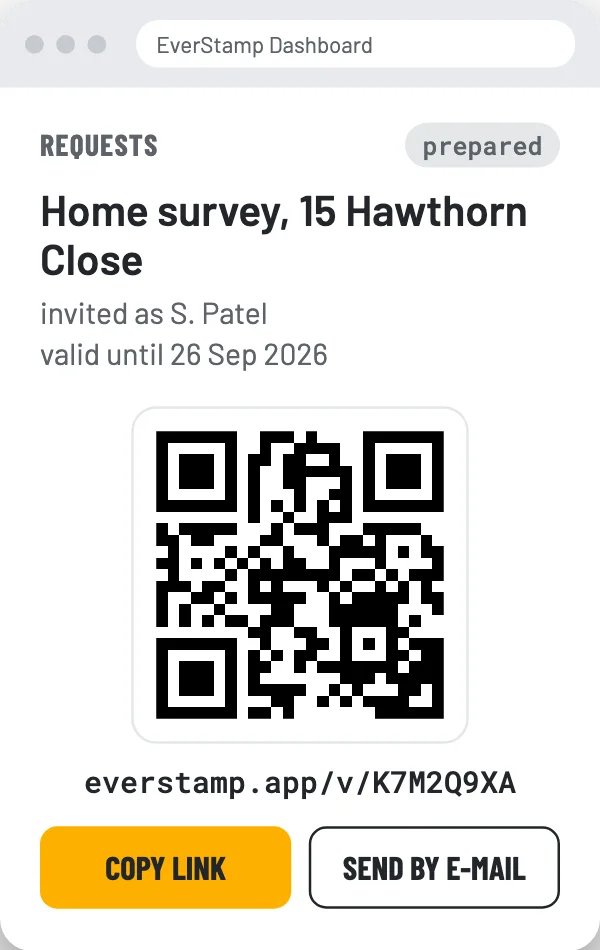
For businesses whose staff or customers make the captures.
For organisations that receive files at scale.
A photo that should have settled a disagreement, and did not. About us tells how EverStamp came out of that.
About the app, a file, your plan or Business: write to info@everstamp.app, in Dutch or English. Your answer comes from the people who make the app and the registry. The answers to most questions are already on the support page, and in the app under Settings, Help and support. With Enterprise you have a named contact, and a service level by agreement.
Moving house, a hire car, a handover or damage from the neighbours? Record it with EverStamp: your first file is free. On the App Store and Google Play.
Drag the file onto the page. It stays in your browser and does not come to us. Only for a file from before version 1.1 does the question whether our registry knows the entry go to us; a newer file carries the registry’s signature itself, once the registry receipt is in it. The page tells you in plain language when it was sealed, with which device and under which stated name, and what is inside it.
It works for someone else’s file too, and if you would rather do the sums yourself, the tools we use are listed alongside.
Check a filePDF or archive · stays in your browser · no account