EverStamp
Home › Personal › Travel
On arrival and on the way out

Holiday let photos on arrival, and again on the way out

A few minutes with EverStamp when you walk in and again when you leave: the rooms, anything already broken and the keys. Every capture carries the date and the time, and the place if the phone reported it; an independent service timestamps the file.

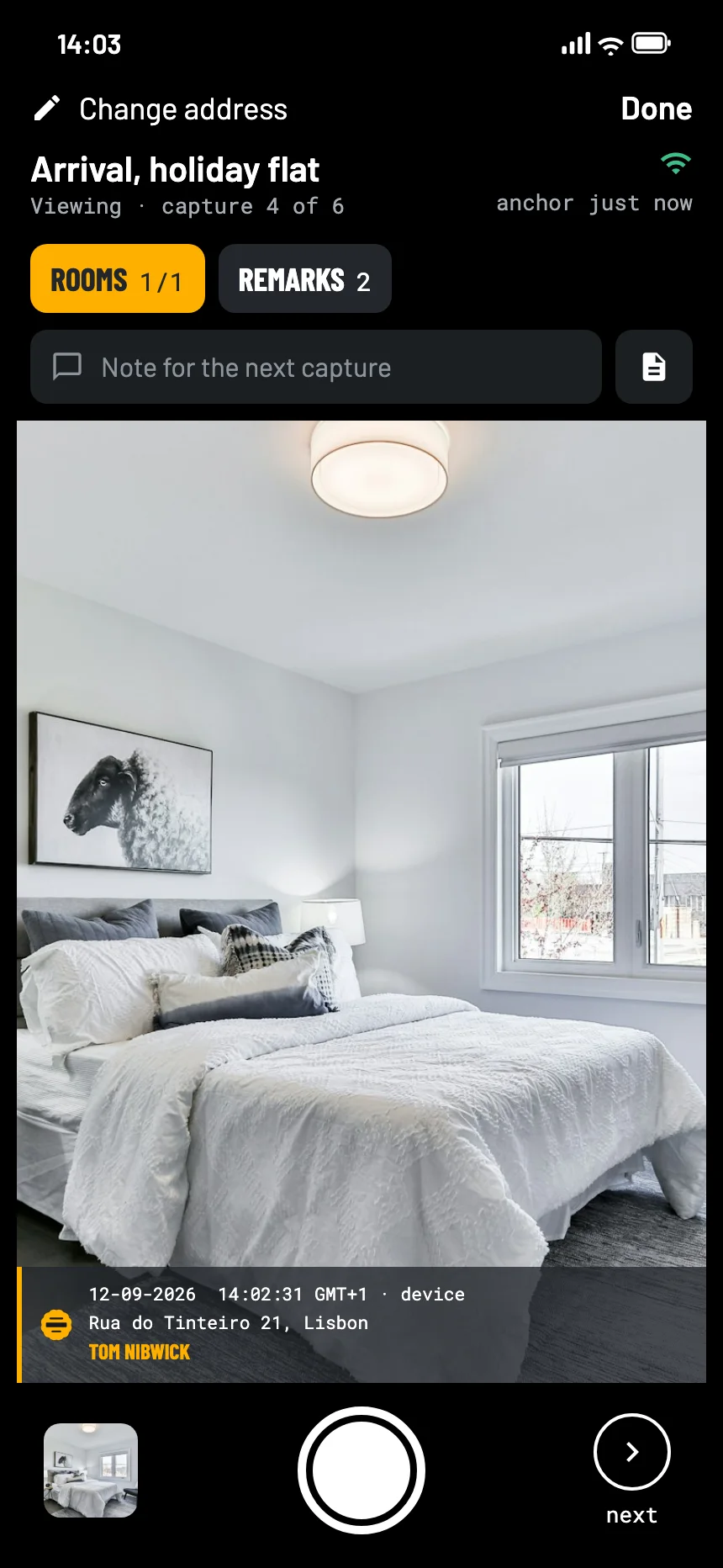
The EverStamp camera on arrival at a holiday flat: the bedroom in the viewfinder, with the stamp bar in the picture
Where it goes wrong

The damage claim comes after you are home

A deposit held back

A stain on the sofa or a chipped glass, charged to your card after you have flown home.

Your photos show the view

Holiday photos show the view, not the state of the room on the day you arrived.

Arguing from abroad

Explaining from another country is hard. A file anyone can check in a browser does the explaining for you.

What to capture

The rooms on arrival

The Viewing template in the app goes room by room, with space for remarks. For a hire car the Vehicle handout template asks for every side and the fuel.

Capture anything already broken, stained or missing first. That is what the argument will be about.

Roomsat least 1
  • Each room from the door
  • Beds, sofa and table
  • Kitchen and bathroom
Remarksoptional
  • Anything broken, stained or missing
  • The keys or the key box
  • The same views on the way out
How it goes

Shoot, close, send it on

01

Walk in with the app

Room by room, before you unpack. With no signal the captures are signed on the phone, and the seal follows once you are online.

02

Close the file

An independent service timestamps the series. It is then fixed that these captures of the state on arrival already existed by then.

03

Do it again when you leave

A second file on the way out. If a charge comes, you send both.

At the other end

What the host, the platform or your card issuer sees

They open the file in the browser, with no account and nothing to install: the rooms as you found them, with the time from an independent service.

The file establishes
  • That these captures already existed in this form at the time of the timestamp
  • That they were signed with a key that Apple or Google attests was made in the secure hardware of this phone, for our app
  • That an image added, removed or changed since then, or a change in the order, shows up
It leaves to someone else
  • What happened while you were out
  • Whether a mark counts as damage under the booking
  • What it should cost
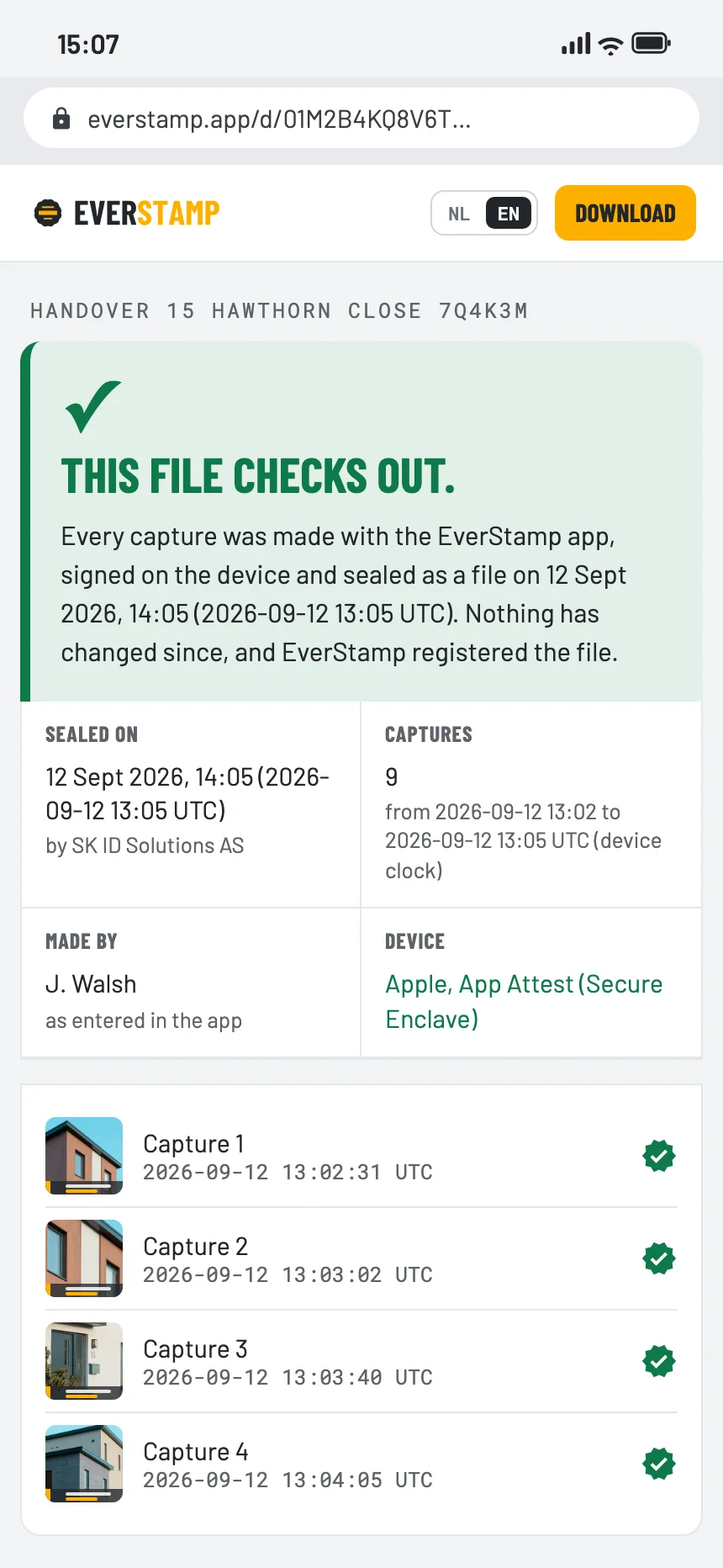
The verification page in the browser: this file checks out
Questions

What people ask

Does it work abroad?

Yes. The app and the check work anywhere. With no signal the captures are signed on the phone and the file is sealed once you are online again.

Does the host need the app?

No. They open the file or the link in a browser. Only the person making the captures needs the app, and on Basic the first file is free.

Can I use it for a rented scooter?

Yes. Capture every side, the dashboard and any damage before you ride off, in a file of its own.

Is a photo with a date on it not enough?

The date on an ordinary photo comes from the phone and can be changed afterwards. Here the time that counts comes from an independent service, and the page shows the window from the time anchor to the timestamp.
A few minutes on arrival

Basic has no subscription, and your first file is free, with the same seal as Plus.

Get the app

Similar moments