EverStamp
Home › Personal › Secondhand
Buyers and sellers

Selling secondhand, with photos the buyer can check

Photograph the item, the serial number and the packing with EverStamp before it goes. An independent service timestamps the file, so if the buyer says it arrived broken, you can show the state it was in when it left.
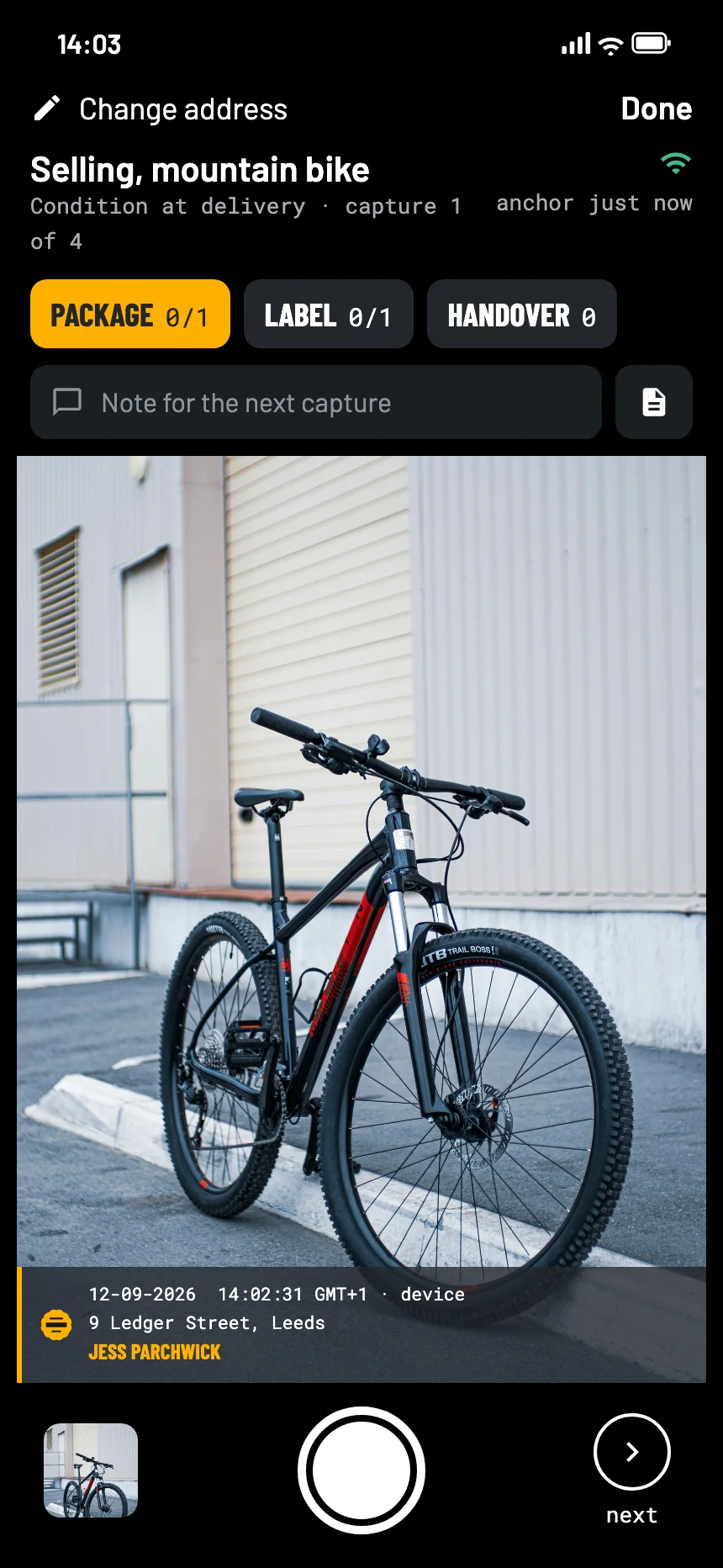
The EverStamp camera when selling a mountain bike: the bike from the side in the viewfinder, with the stamp bar in the picture
Where it goes wrong

It arrived broken, says the buyer

Your word against theirs

The marketplace asks about the condition. Two sets of phone photos, neither with a date anyone trusts.

The packing is gone

Once the parcel is opened, nobody can see how it was packed.

Buying works the same way

As a buyer, photograph the parcel and the item as they arrive, before you unpack everything.

What to photograph

The item, the packing, the label

The Condition at delivery template in the app has three steps: the package, the label and the handover. Photograph the item itself under the package step, before and after it goes into the box.

Photograph the serial number or the frame number. It ties the file to this item and no other.

Packageat least 1
  • The item from every side, switched on if it has a screen
  • The serial number
  • The item in the box, then the box taped shut
Labelat least 1
  • The shipping label, readable
Handoveroptional
  • The parcel at the drop-off point
How it goes

Shoot, close, send it on

01

Photograph before you pack

Every side, any wear, the serial number, and the item working.

02

Close the file

An independent service timestamps the series. The state the item left in is then fixed in time.

03

Share it when you need to

Send the link to the buyer or the marketplace when a question comes up, or with the tracking number straight away.

At the other end

What the buyer or the marketplace sees

They open the file in the browser, with no account and nothing to install: the item, the serial number and the packing, with the time from an independent service.

The file establishes
  • That these photos existed in this form at the time of the timestamp
  • That they were taken with this app, on this phone
  • That anything added, removed or changed since then shows up
It leaves to someone else
  • What happened in transit
  • Whether the item works as described
  • Who pays for any damage
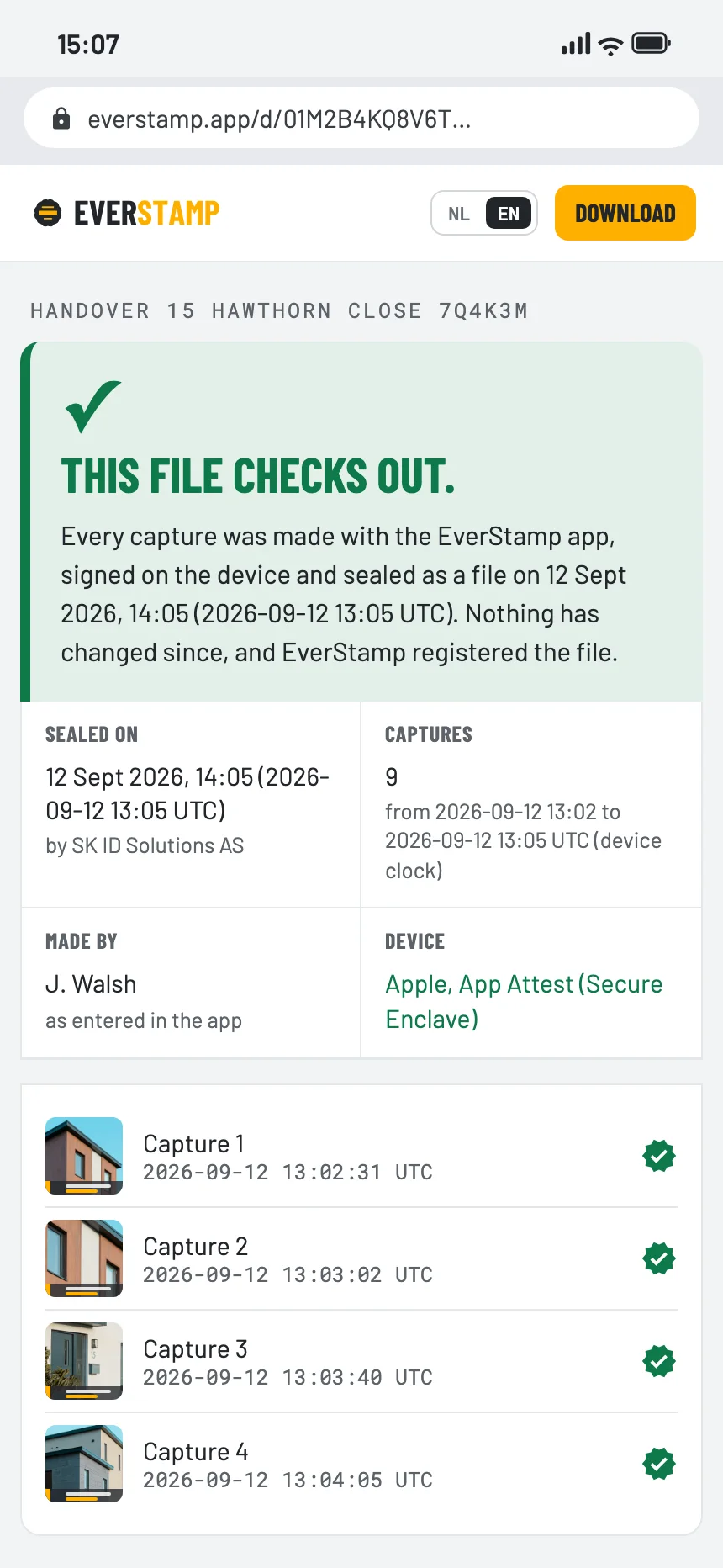
The verification page in the browser: this file checks out
Questions

What people ask

Does the buyer need the app?

No. They open the file or the link in a browser. Only the person taking the photos needs the app, and Basis is free for one file a month.

Can I use it when I buy something?

Yes. Photograph the parcel as it arrives and the item as you unpack it, in one file.

Does it work for a handover in person?

Yes. Photograph the item at the handover; the file carries the time, and the place if location is on.

Is a photo with a date on it not enough?

The date on an ordinary photo comes from the phone and can be changed afterwards. Here the time that counts comes from an independent service, and the page shows the window between the photo and the stamp.

Before the parcel goes

Basis is free: one file a month, with the same seal as Plus.

Get the app

Similar moments