Does the policyholder need an account?
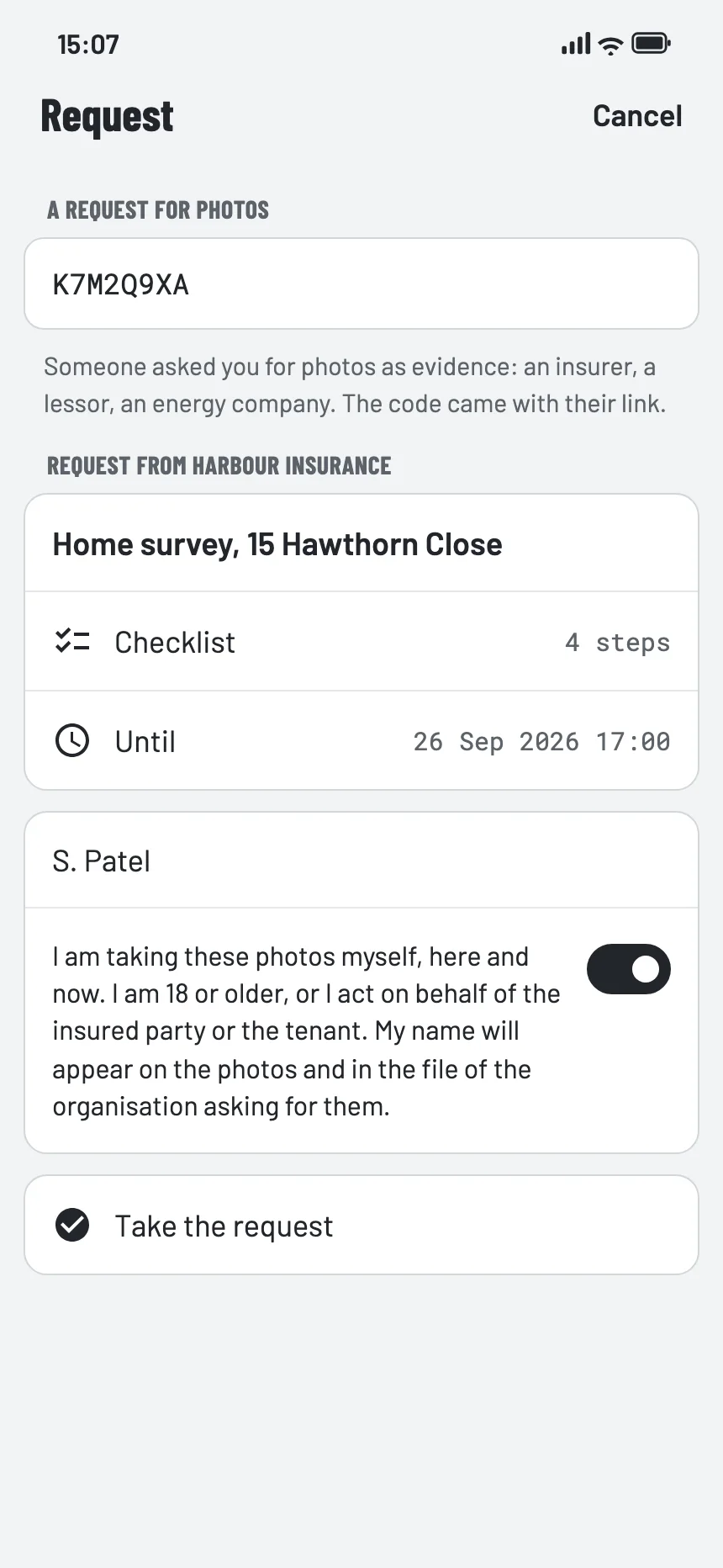
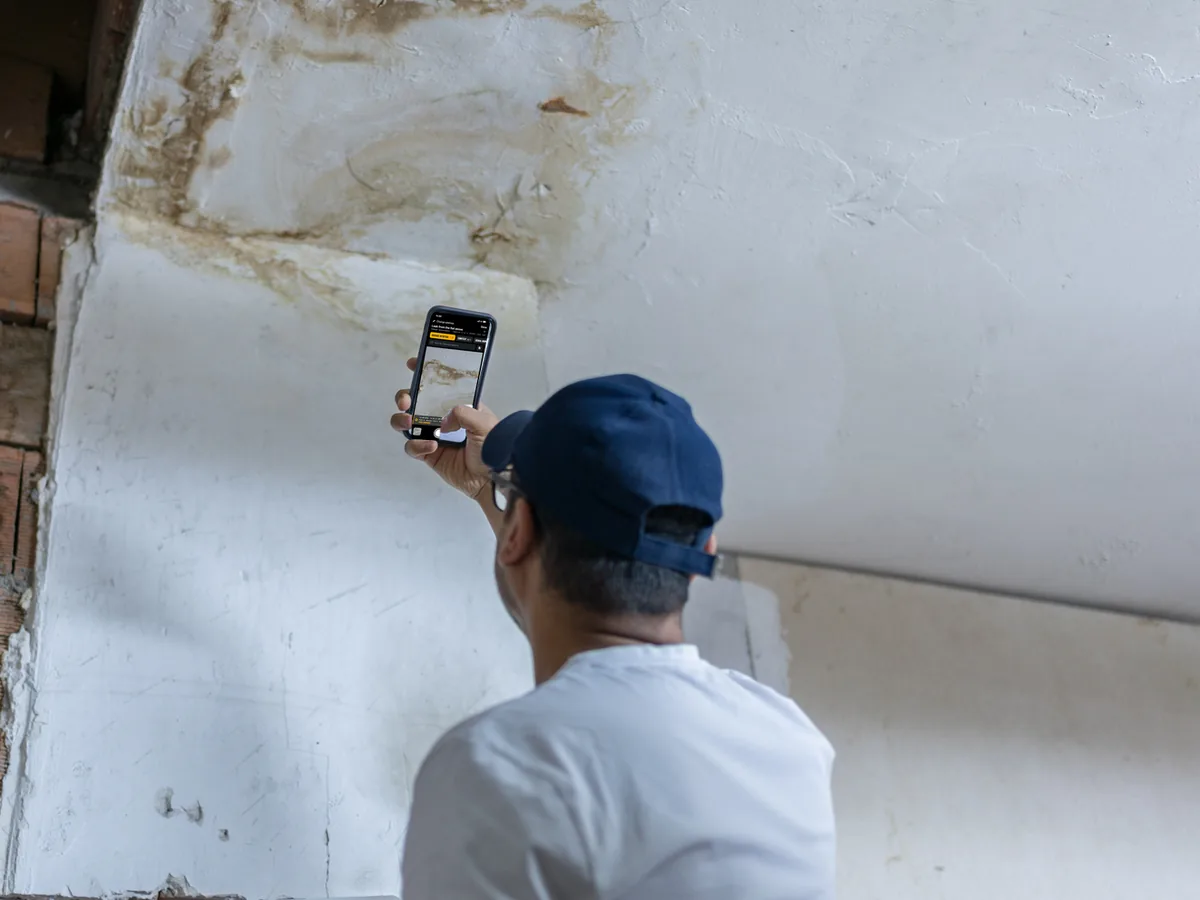
No. They open your link, see who is asking and why, and take the photos in the EverStamp app, which they install first if they do not have it yet.
Can the files go into our claims system?
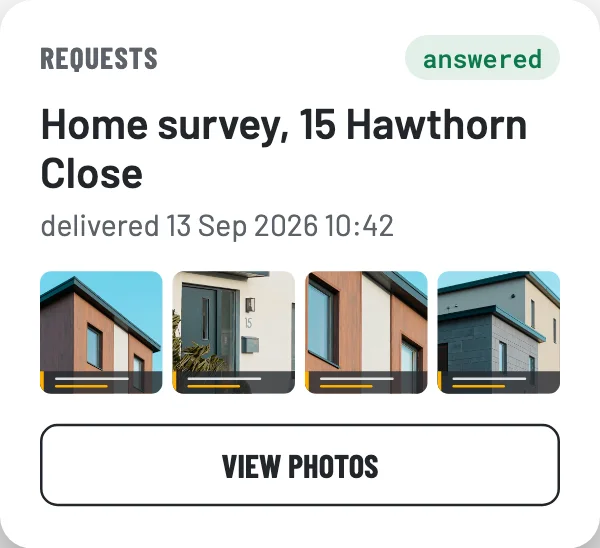
Yes. A webhook tells your system when a request is complete, and the API delivers the file with its seal and registry entry. On Enterprise the archive is delivered to you.
Who can open the delivered photos?
Owners and administrators, and an API key of your organisation; field workers and readers cannot. Every opening through the dashboard or the API is written to your audit log, with who and when. Technically EverStamp can open them too, because we manage the key; we do that only at your organisation’s written request, or when a court or authority orders or demands it under the law.
Does EverStamp assess the damage or the likelihood of fraud?
No. No damage assessment, no fraud score, no AI looking at the image. We record when the photos were captured, on which device, and that nothing changed afterwards. What that means for the claim stays with your claims handler.
Does this keep images from a generator out of the claim?
It shows where an image comes from: a file states that the photos were taken with our app on the device named in it, and the verification page confirms that against our registry. A photo of a screen is still a photo, so it does not rule anything out; your claims handler does see the difference between a file from the app and a loose image from a mailbox.
What does the policyholder pay?
Nothing. Whoever takes the photos at your request pays nothing and takes out no subscription. You pay per file that comes in; sending a request costs nothing.
What evidential weight does a file carry?
The timestamp is qualified under the EU eIDAS regulation. In the EU, Article 41 presumes that the date and time are accurate and that the photos have not changed since; in the United Kingdom the same rule applies through assimilated law. What the photos show, and what that means for the claim, is for your claims handler to weigh, and for the court in a dispute. EverStamp does not assess damage or score fraud.
What do procurement and legal need?
Annex 1 of the terms points to the data processing agreement, which is in the dashboard and applies once you accept the terms; on Enterprise we sign it with annex B filled in, with DPIA material and a named contact. The data is stored in the EU, and how security is set up is at everstamp.app/security.
What does it cost?
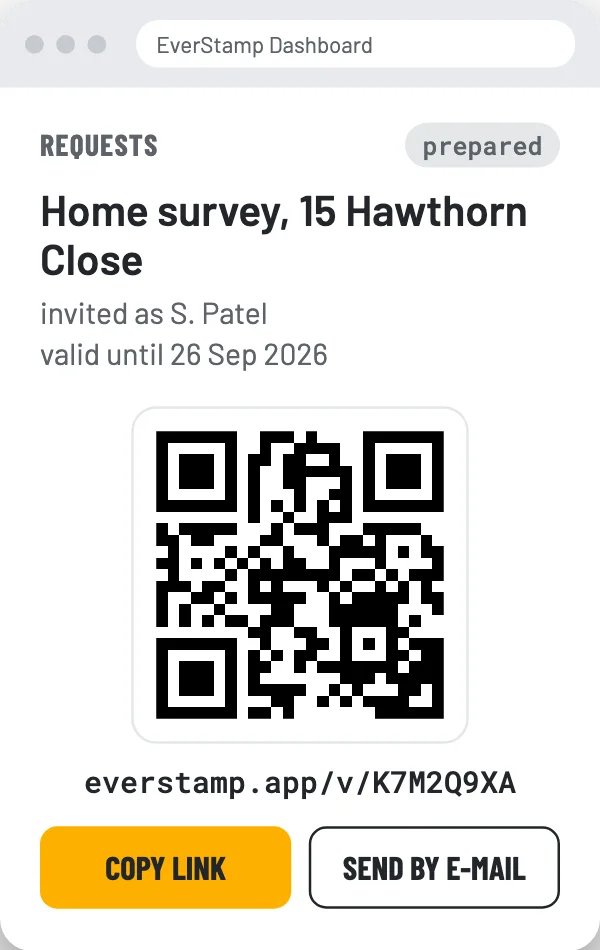
The price is on request, set by the number of claims and by how the files reach you: in the dashboard, through the API or delivered into your own system. Whoever has files delivered pays; whoever checks them never does. You pay for the files you have delivered, and checking through the link, the QR code on the report or the verification page is always free, without an account.