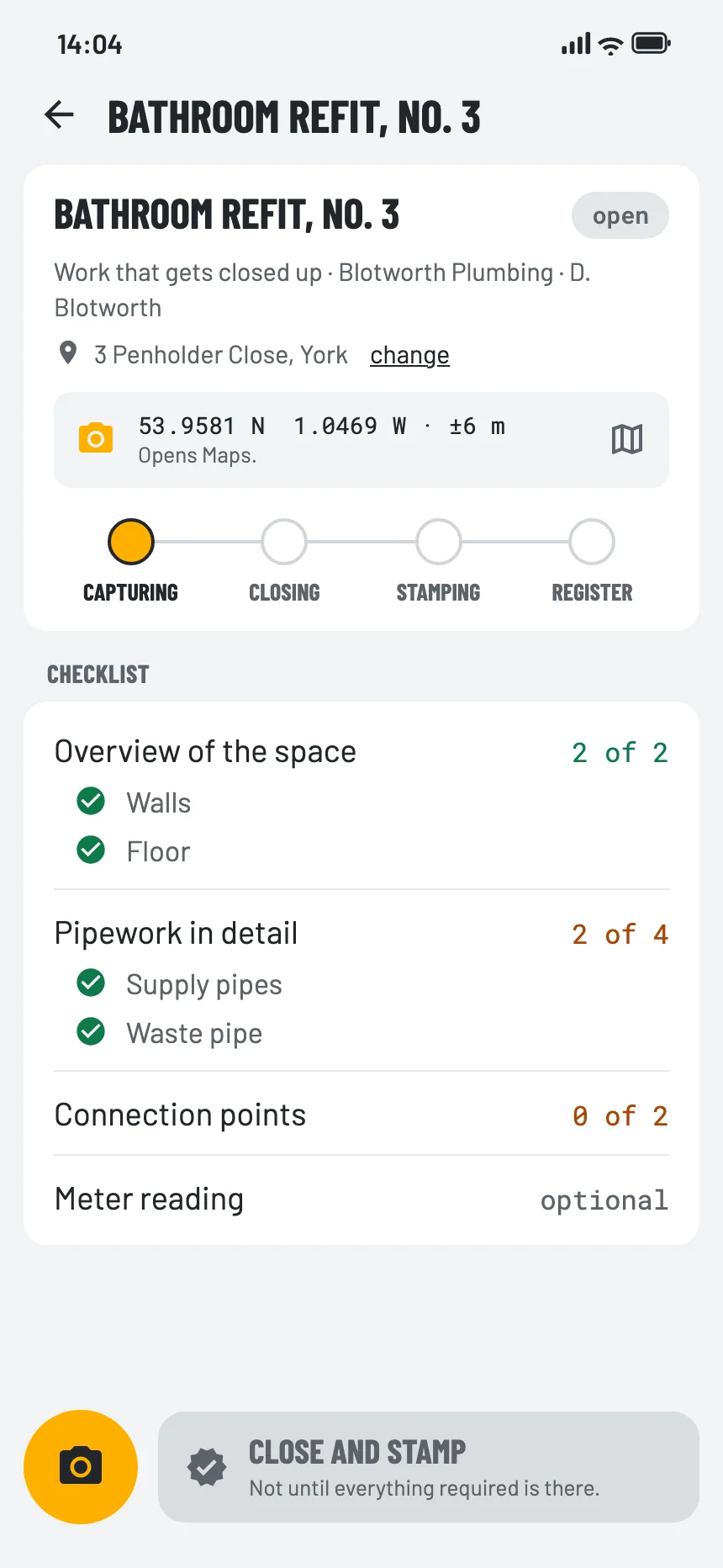
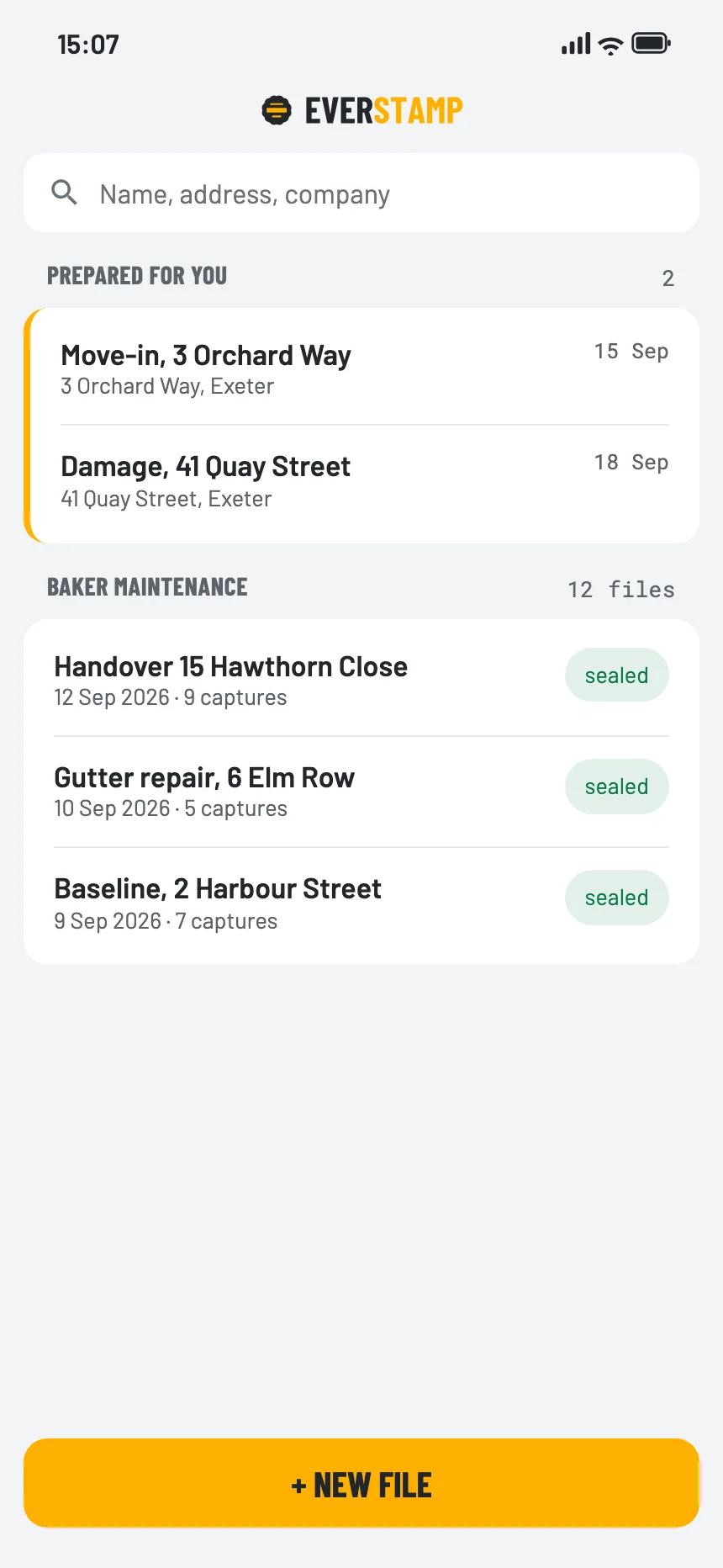
Set up the job with an address, a checklist and a person. Your crew photographs hidden work before it is closed up, the client signs for extra work on site in your own checklist, and every file comes back timestamped by an independent service.
Construction photo documentation, for the office and the site →


A dispute about work that is now covered, with nothing to show what is under it.
Agreed on site, disputed when the invoice arrives.
The record of a job sits in a fitter’s camera roll, and leaves when they do.
Every file lands on the job, with the same seal and registry entry.
The job appears on their phone under “Prepared for you”, with your checklist.
In their own app, against your job and checklist, so their files look like yours.
For a snag list at handover, or captures before you start.
The Work that gets closed up template asks for the space, the pipework in detail and the connection points before anything is covered; Progress keeps the stages. In the dashboard you add your own templates per job type.
Switch on ‘The customer signs at the end’ in your own checklist and the client signs on site, inside the file. The report carries your logo.
The snags at handover, and whether the builder put them right.
Read more →A leak from upstairs, cracks in a wall, a dent in the car park.
Read more →Before and after, extra work, and what was under the floor before it was closed up.
Read more →Orders and projects per site, your own templates, with the client’s signature where you switch it on, and the files in your own system through the API.

Yes. A contractor you hire works in their own app against your job and checklist, and the file lands in your dashboard.
Yes. The built-in Completion checklist has a signature step, and in your own checklist you switch on ‘The customer signs at the end’. The client then signs on the phone, inside the file. Work that gets closed up and Progress do not have that step.
On the ordinary route, yes. With storage at EverStamp switched on, an encrypted copy of every file is kept for your organisation.
Yes, with Plus Video, or on Business with the video module. A walk-through of the site or of the finished work goes into the same file as the photos, as a video. A video lasts at most 10 minutes and records sound unless whoever films switches it off; a file holds up to 20, together at most 60 minutes. The stamp bar is in every frame, and each video gets a timestamp of its own from an independent service. Whoever receives the file checks each video in the browser; the clock in the bar and the place remain the device’s statement.
Business Start costs €99 a month, excluding VAT. For that you get a set number of files every month, with video. You try it free for 14 days first. More volume, a connection to your own systems or a contract of your own? Then we make you a quote.
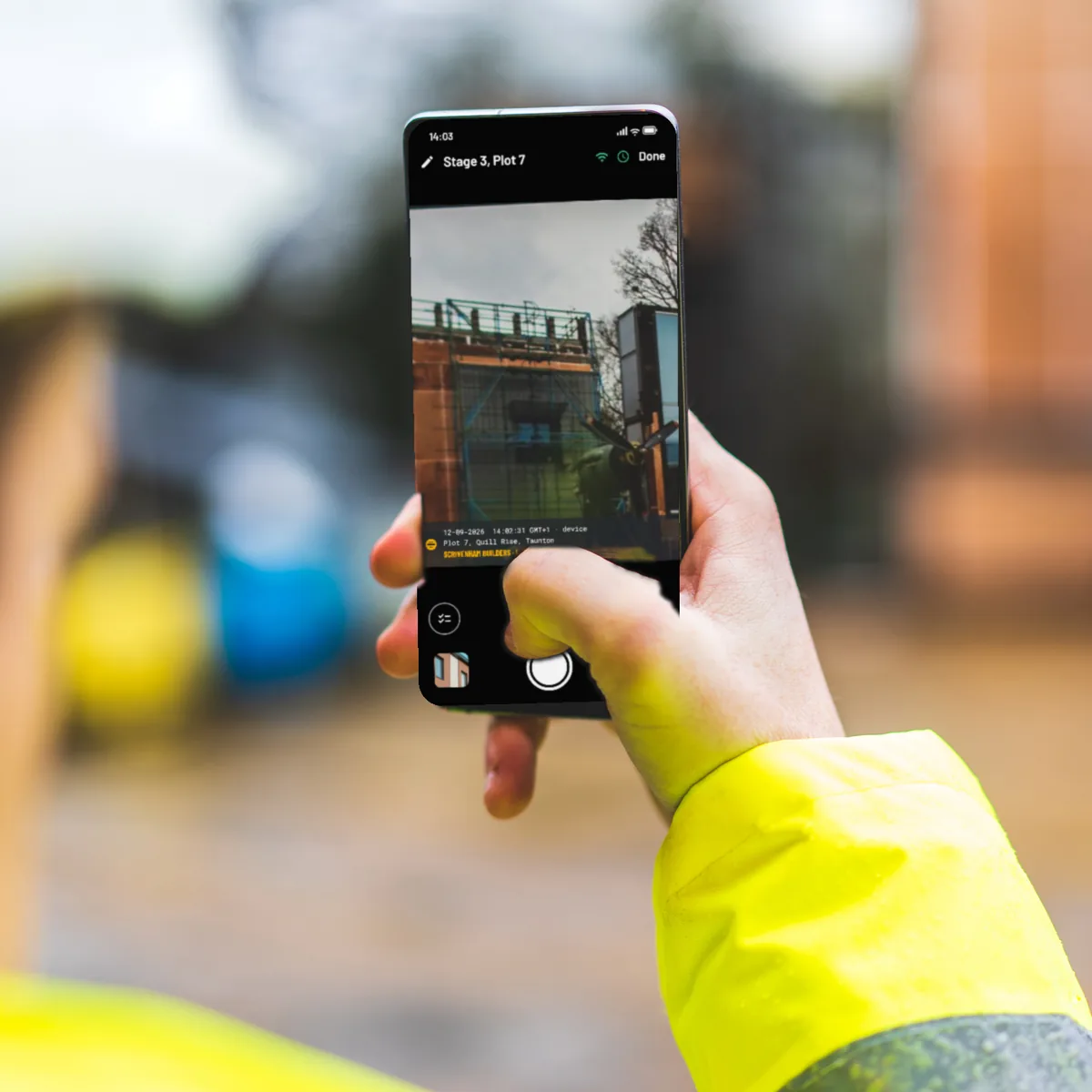
Business Start costs €99 a month, excluding VAT, and you try it free for 14 days first. Enterprise adds a contract of your own, agreements on availability, webhooks and the API, and the qualified timestamp per photo by agreement; it is by quote.